Activates on Xbox. Region: Europe.
Activates on Xbox. Region: Europe.
LVGameDev LLC · 2017
Activates on Xbox. Region: Europe.
In stock at its regular priceIn stock
Delivered to your account, usually within minutes after payment is confirmed.
Card payment on a hosted page with 3-D Secure.



SimAirport is a modern tycoon-style simulation & management game where you design, build, and manage an airport. Construct an airport from the ground up, hire your staff, choose airlines to work with, customize flight schedules, build out your infrastructure -- baggage conveyer systems & luggage services, public access roads, fuel pipelines, runway upgrades and maintenance, aircraft navigation aids, hangars and service vehicles, etc -- and much more. Features Deep Systems-Based Gameplay: everything has purpose, nothing is purely aesthetic Airlines: 15+ each with unique liveries, desires & cares, and passengers Aircraft: assortment of 14+ aircraft, twin turboprop to 4-engine turbine Actively developed with regular ongoing updates; developers active in community
You need a Microsoft account.
Xbox codes have 25 characters.
"Please remember that we are NOT responsible for any problems that may arise from purchasing and using Steam Gifts. You are doing it at your own risk. "Please note, that due to recent Valve https://support.steampowered.com/kb_article.php?ref=1327-WUJX-5722 Steam Gifts for games that are covered by VAC ban program can no longer be added to Inventory. Make sure that you are logged in to the proper account before entering the link as Steam Gifts can be only added to your library or rejected. How do I use a Steam gift given to me? If you do not already have Steam, download and install Steam http://store.steampowered.com/about/. Once you have Steam installed, you will be prompted to create an account or login to an existing Steam account. If you do not have an account, please create one. You will receive an e-mail containing a link that will open Steam allowing you to redeem your gift. After clicking the link, you will receive a notification at the top right corner in the Steam client informing that you have a new gift.
More strategy on Xbox, in board order.
Activates on Xbox. Region: Europe.
Activates on Xbox. Region: Global.
Activates on Xbox. Region: United States.
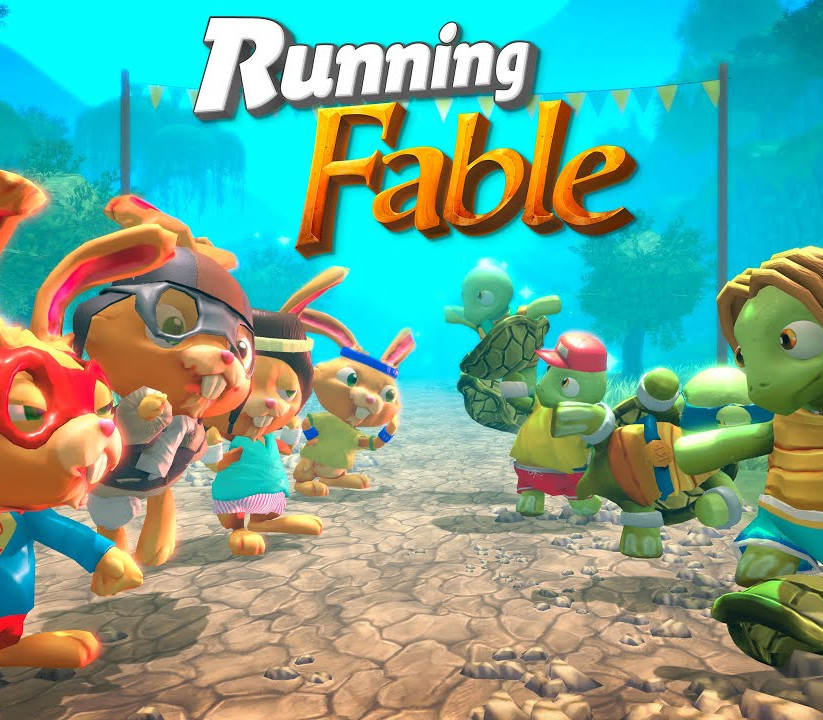
Activates on Xbox. Region: Global.
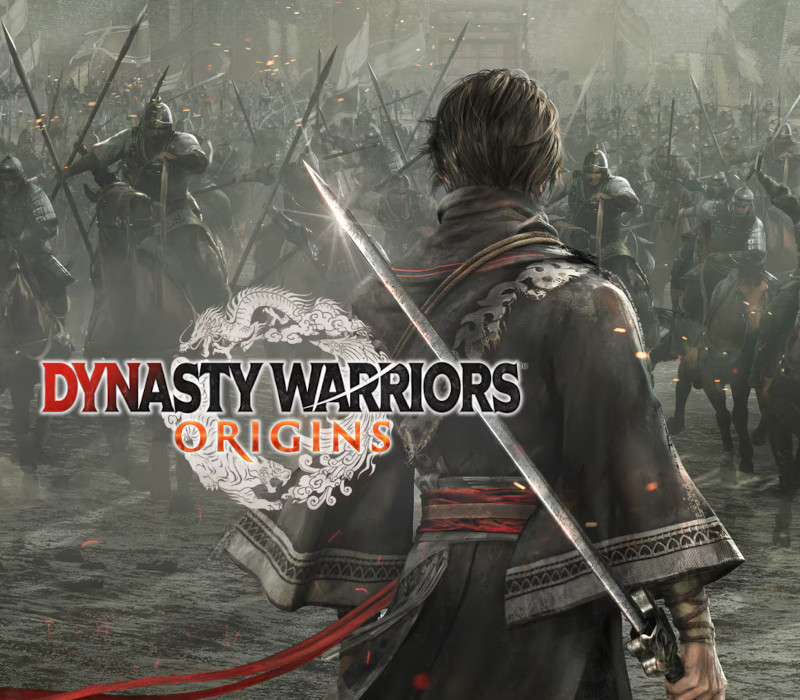
Activates on Xbox. Region: Europe.