Activates on Steam. Region: Global. Software licence.

Activates on Steam. Region: Global. Software licence.
Wallpaper Engine Team
Activates on Steam. Region: Global. Software licence.
In stock at its regular priceIn stock
Delivered to your account, usually within minutes after payment is confirmed.
Card payment on a hosted page with 3-D Secure.



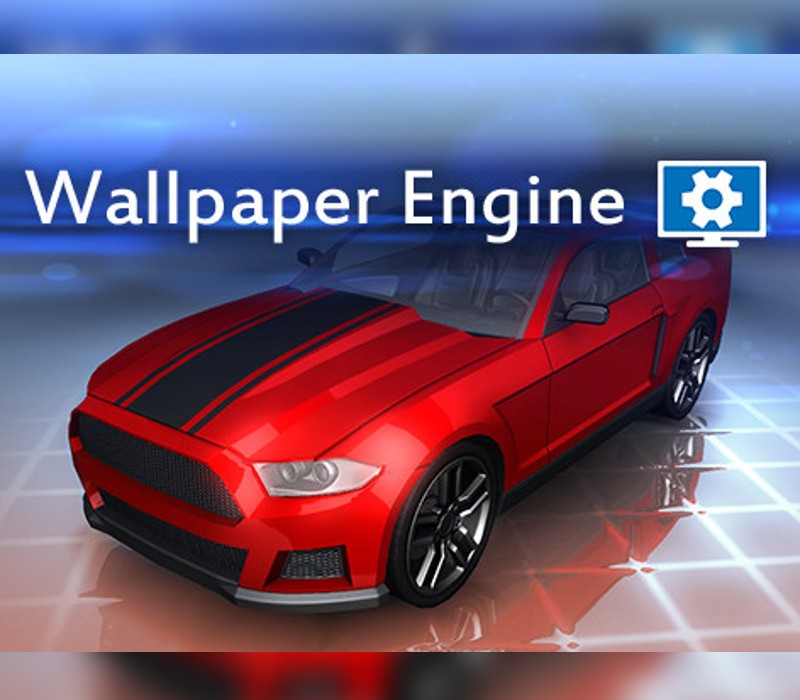
Wallpaper Engine enables you to use live wallpapers on your Windows desktop. Various types of wallpaper are supported, including 3D and 2D animations, websites, videos and even certain applications. Choose an existing wallpaper or create your own and share it on Steam Workshop! Features Bring your desktop alive with realtime graphics, videos, applications or websites. Personalize your wallpapers with your favorite colors. Use interactive wallpapers that can be controlled with your mouse. Support for many aspect ratios and native resolutions including 16:9, 21:9, 16:10, 4:3. Support for multi monitor environments. Wallpapers will pause while playing games. Create your own wallpapers with the Wallpaper Editor. Use the Steam Workshop to share your wallpapers. Wallpaper Engine can be used in parallel to any other Steam game or application.
You need a Steam account and the Steam app.
Go to: http://store.steampowered.com/ and download STEAM client Click "Install Steam" (from the upper right corner) Install and start application, login with your Account name and Password (create one if you don't have). Please follow these instructions to activate a new retail purchase on Steam: Launch Steam and log into your Steam account. Click the Games Menu. Choose Activate a Product on Steam... Follow the onscreen instructions to complete the process. After successful code verification go to the "MY GAMES" tab and start downloading.
More on Steam, in board order.
Activates on Steam. Region: Global. Software licence.
Activates on Steam. Region: Global. Software licence.
Activates on Steam. Region: Global. Software licence.

Activates on Steam. Region: Global. Software licence.

Activates on Steam. Region: Global. Software licence.