Activates on Steam. Region: Global.

Activates on Steam. Region: Global.
Sebastian Gioseffi · 2026
Activates on Steam. Region: Global.
In stock at its regular priceIn stock
Delivered to your account, usually within minutes after payment is confirmed.
Card payment on a hosted page with 3-D Secure.



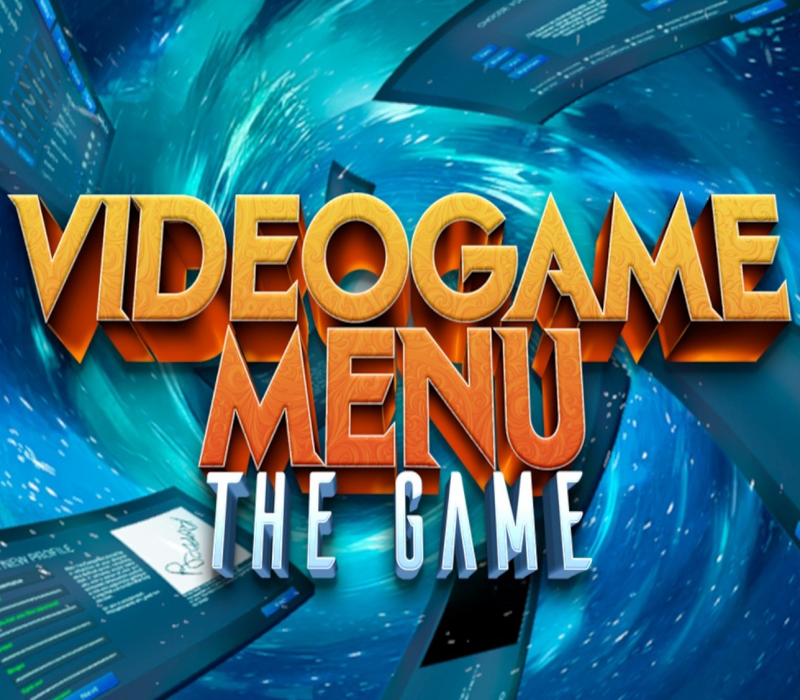
Are you tired of video games constantly pestering you with pointless things like challenges, levels or gameplay? Have you ever dreamed about just pleasantly clicking through menu after menu? Then seek no further. You have come to the right place. In VIDEO GAME MENU: THE GAME, none of these distractions will ever bother you again. Shed all those burdens and simply enjoy the most exciting, fulfilling and magical of all video game experiences: navigating menus. You’ll finally be able to fiddle with all those majestic configuration options, dive into the depths of the most exquisite forms, or scroll your way through marvelous text blocks. All without the hassle of then having to go through dozens (or hundreds) of hours of unnecessary ‘game’. Features: Those boxy things that you click on and things happen. You can’t go wrong with buttons. Everyone loves them. You’re probably just going through all this text just waiting to find a button to click. You click and it is on. Click it again and it is off. The thing is on, then it’s off. Oh! If only life were as simple as the beautiful toggle. Super fun thingies that go from one spot to the other and back. This just brings back the little kid in all of us. Weee! It’s like a text field, but then you click on it and … you get to decide what goes inside! Pure magic. (Disclaimer: Magic may be limited to 256 characters or less.)
You need a Steam account and the Steam app.
More simulation on Steam, in board order.
Activates on Steam. Region: Global.
Activates on Steam. Region: Global.

Activates on Steam. Region: Global.

Activates on Steam. Region: Global.

Activates on Steam. Region: Global.
