Activates on Steam. Region: Global.

Activates on Steam. Region: Global.
Tolgahan Kangal · Nerd Owl Games · 2020
Activates on Steam. Region: Global.
In stock at its regular priceIn stock
Delivered to your account, usually within minutes after payment is confirmed.
Card payment on a hosted page with 3-D Secure.



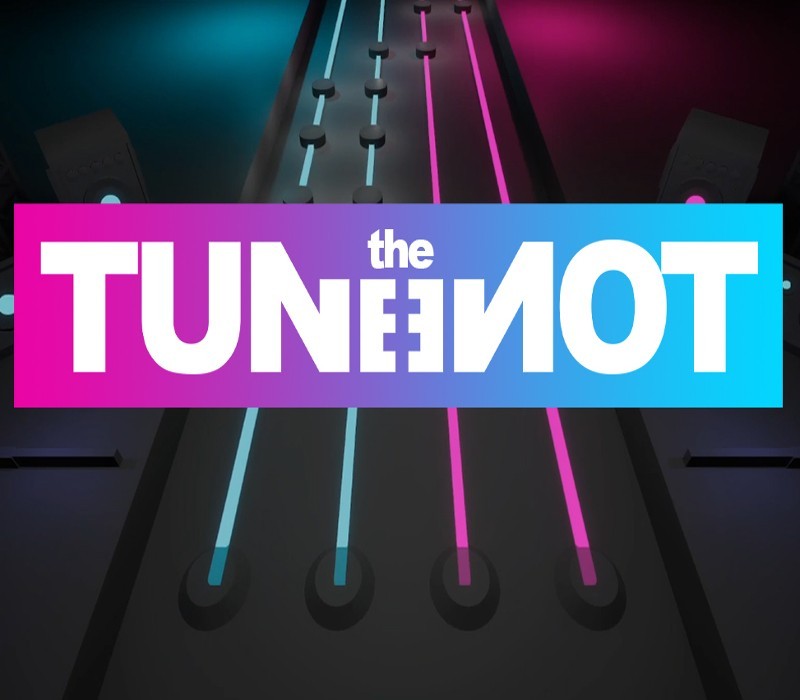
Tune the Tone is a rhythm game. Just make sure your fingers and your keyboard are ready for this! Reach to light speed with your fingers at challenging levels. Show your skills and make everyone see your name on online leaderboards. Feel the bass and feel the great atmosphere. Master your beats. “Where words leave off, music begins.”Feel the music by great artists in a unique atmosphere and with fun to play game mechanics. You will find a lot of music genres like Rock, Electronic, HipHop, Blues, Country, Orchestral, Pop. "Design is how it works."Most of the rhythm games uses computer generated levels. At Tune the Tone we designed every level one by one so you can get most out of it. “Becoming number one is easier than remaining number one.”There will be global leaderboards for every music genre to compete. Show your skills and make everyone see your name on online leaderboards. Features Lots of levels with ranges of difficulty and variety of music genres. Online leaderboards that you can test your skills and compete with others. Maps with great dancers and high quality atmosphere.
You need a Steam account and the Steam app.
Go to: http://store.steampowered.com/ and download STEAM client Click "Install Steam" (from the upper right corner) Install and start application, login with your Account name and Password (create one if you don't have). Please follow these instructions to activate a new retail purchase on Steam: Launch Steam and log into your Steam account. Click the Games Menu. Choose Activate a Product on Steam... Follow the onscreen instructions to complete the process. After successful code verification go to the "MY GAMES" tab and start downloading.
More simulation on Steam, in board order.
Activates on Steam. Region: Global.
Activates on Steam. Region: Global.

Activates on Steam. Region: Global.

Activates on Steam. Region: Global.

Activates on Steam. Region: Global.
