Activates on Steam. Region: Europe.

Activates on Steam. Region: Global.
Little Chicken Game Company · Vertigo Games · 2021
Activates on Steam. Region: Global.
In stock at its regular priceIn stock
Delivered to your account, usually within minutes after payment is confirmed.
Card payment on a hosted page with 3-D Secure.



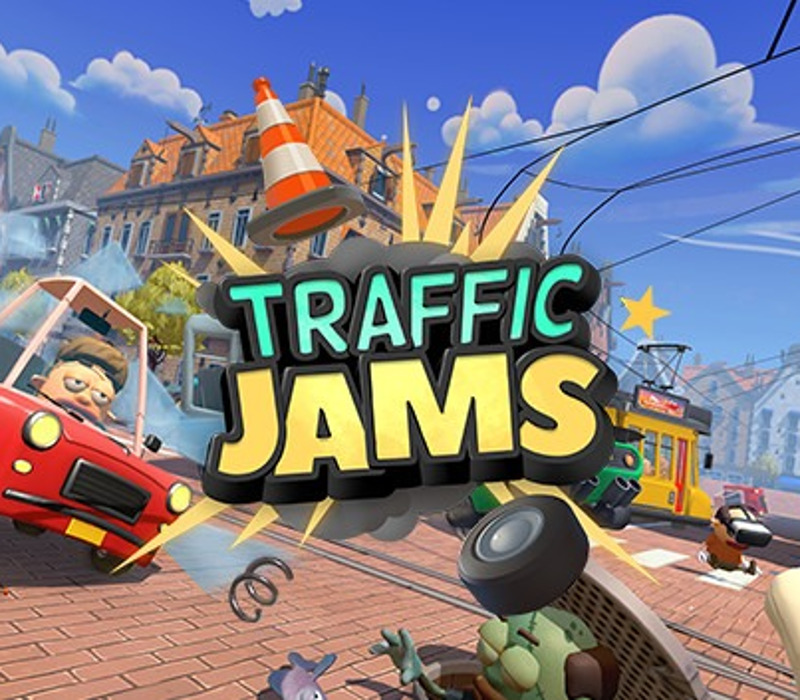
Traffic Jams In this wacky VR game, control traffic your way in the face of outrageous events, flagrant road rage and up to 4 non-VR friends in party mode!Starting out on a quiet corner in a small town, job offers start pouring in from around the globe. Guide rude pedestrians, impatient drivers, and the occasional meteorite along before road rage strikes. Sound easy? Think again! This wacky VR game is full of monsters, (un)natural disasters, and something called… ‘cheese bowling’?In Traffic Jams, you’ll be taken under the wing of Dennis, the self-proclaimed world’s best traffic controller… EVER! Armed with dreams of superstardom, a sassy attitude and fresh dance moves, he will take you on a jam-packed global adventure on the road to friendship.Made it to the top in career mode? Keep your VR headset cool as up to 4 non-VR friends turn up the heat in (couch) party mode! Career mode: Control traffic your way - around the globe! Easy to pick up, hard to master: Traffic controlling may seem easy; it isn’t! Wacky challenges: Each city introduces its own events, ranging from pesky to outrageous Party mode: Join up to 4 non-VR friends in party mode!
You need a Steam account and the Steam app.
Go to: http://store.steampowered.com/ and download STEAM client Click "Install Steam" (from the upper right corner) Install and start application, login with your Account name and Password (create one if you don't have). Please follow these instructions to activate a new retail purchase on Steam: Launch Steam and log into your Steam account. Click the Games Menu. Choose Activate a Product on Steam... Follow the onscreen instructions to complete the process. After successful code verification go to the "LIBRARY" tab and start downloading.
More action on Steam, in board order.
Activates on Steam. Region: Europe.
Activates on Steam. Region: Global.

Activates on Steam. Region: Global.

Activates on Steam. Region: Global.

Activates on Steam. Region: Global.
