Activates on Steam. Region: Global. Downloadable content.
Activates on Steam. Region: Global. Downloadable content.
FeelThere · Dovetail Games · 2020
Activates on Steam. Region: Global. Downloadable content.
In stock at its regular priceIn stock
Delivered to your account, usually within minutes after payment is confirmed.
Card payment on a hosted page with 3-D Secure.



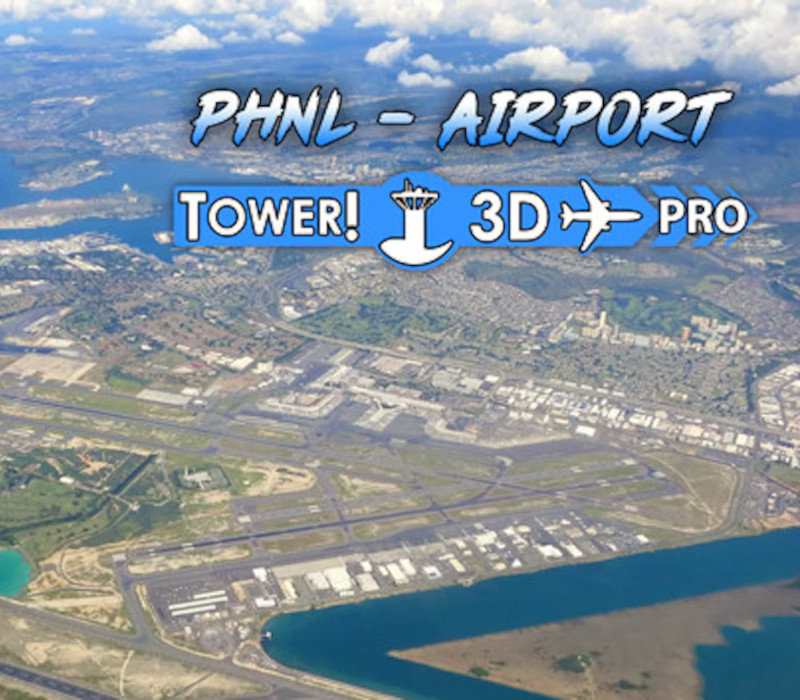
Daniel K. Inouye International Airport (IATA: HNL, ICAO: PHNL), also known as Honolulu International Airport, is the principal aviation gateway of the City and County of Honolulu on Oahu of the State of Hawaii. It is identified as one of the 30 busiest airports in the United States, with traffic now exceeding 21 million passengers a year and rising. The airport has four major runways, which it operates in conjunction with the adjacent Hickam Air Force Base. The principal runway designated 8R/26L, also known as the Reef Runway, was the world's first major runway constructed entirely offshore.In addition to the four paved runways, Daniel K. Inouye International Airport has two designated offshore runways designated 8W/26W and 4W/22W for use by seaplanes. It has three terminals: Terminal 1, Terminal 2, and Terminal 3.
You need a Steam account and the Steam app.
Go to: http://store.steampowered.com/ and download STEAM client Click "Install Steam" (from the upper right corner) Install and start application, login with your Account name and Password (create one if you don't have). Please follow these instructions to activate a new retail purchase on Steam: Launch Steam and log into your Steam account. Click the Games Menu. Choose Activate a Product on Steam... Follow the onscreen instructions to complete the process. After successful code verification go to the "LIBRARY" tab and start downloading.
More simulation on Steam, in board order.
Activates on Steam. Region: Global. Downloadable content.
Activates on Steam. Region: Global. Downloadable content.
Activates on Steam. Region: Europe. Downloadable content.
Activates on Steam. Region: Global. Downloadable content.

Activates on Steam. Region: Global. Downloadable content.