Activates on Steam. Region: Global.

Activates on Steam. Region: Global.
Frozen Logic Studios · 2025
Activates on Steam. Region: Global.
In stock at its regular priceIn stock
Delivered to your account, usually within minutes after payment is confirmed.
Card payment on a hosted page with 3-D Secure.



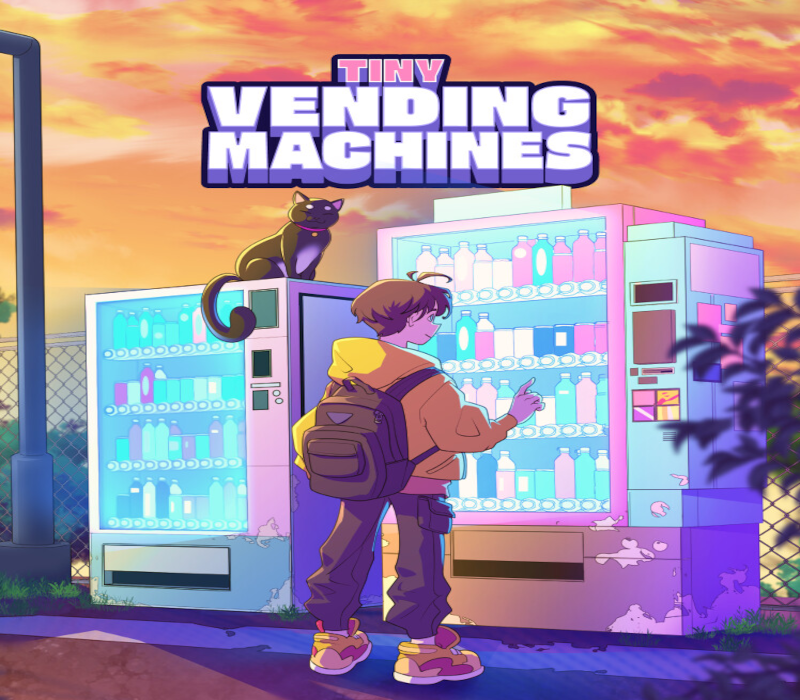
Tiny Vending Machine is an idle pixel art game designed to run at the bottom of your screen while you focus on other tasks. Your goal is to build and expand your vending machine empire, keeping them stocked and maximizing profits. How does it work? Buy and manage vending machines that sell various products, including drinks, candy, ice cream, fruits, fast food, salads, soups, and more. Random customers will appear to purchase items – make sure your machines stay stocked to avoid missing sales. Upgrade your machines to increase storage capacity. At the highest level, they become fully automated. Features: Observe foot traffic and adjust pricing in real-time to match customer behavior and maximize your earnings. Explore different city locations to place your vending machines in areas with higher demand and unique customer profiles. Dynamically adjust item prices based on demand, balancing affordability and profit to stay ahead of the competition. Customize your machines with different colors to make your vending empire unique. Play without interrupting your routine!Tiny Vending Machine runs in the background, allowing you to manage your machines while working, studying, or relaxing. Expand your business and become the ultimate vending machine tycoon!
You need a Steam account and the Steam app.
Go to: http://store.steampowered.com/ and download STEAM client Click "Install Steam" (from the upper right corner) Install and start application, login with your Account name and Password (create one if you don't have). Please follow these instructions to activate a new retail purchase on Steam: Launch Steam and log into your Steam account. Click the Games Menu. Choose Activate a Product on Steam... Follow the onscreen instructions to complete the process. After successful code verification go to the "LIBRARY" tab and start downloading.
More simulation on Steam, in board order.
Activates on Steam. Region: Global.
Activates on Steam. Region: Global.

Activates on Steam. Region: Global.

Activates on Steam. Region: Global.

Activates on Steam. Region: Global.
