Activates on Steam. Region: Europe.

Activates on Steam. Region: Global.
Played With Fire · 2020
Activates on Steam. Region: Global.
In stock at its regular priceIn stock
Delivered to your account, usually within minutes after payment is confirmed.
Card payment on a hosted page with 3-D Secure.



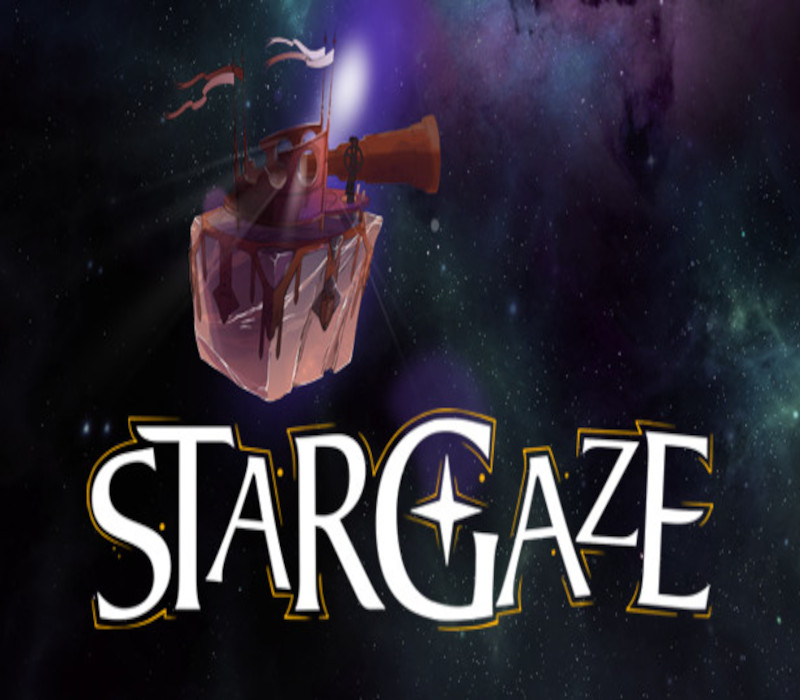
Discover a magical galaxy inspired by Little Prince’s interstellar travels stylized as hand-drawn book illustrations.Observe the life and secrets of 7 fabulous planets. Manipulate a huge telescope, finding revealing angles and perspective paradoxes. Take photos and note down your observations into your book of research. Solve the ultimate cosmic mystery... or just sit down and chill-out stargazing.“For some, who are travellers, the stars are guides. For others they are no more than little lights in the sky. For others, who are scholars, they are problems...” - Antoine de Saint-Exupéry, The Little PrinceBecome an Astronomer Make the most of your very own observatory-planet with complete scientific equipment, research journal, photographic set and ...The Telescope.Research a GalaxySee light years ahead into space and bend the rays of light to study planets from all the different angles. Make photos of strange phenomena. Analyse your findings in the journal.Chill out and ExploreSit back and explore the galaxy through many different points of view. Reveal hidden items, new species and secret planets.Awaken Life of CosmosAwaken and inspire life. Decide where to focus your telescope and see things flourish.Solve Scientific PuzzlesFind out how phenomena connect with one another. Trigger events by joining what was apart.
You need a Steam account and the Steam app.
Go to: http://store.steampowered.com/ and download STEAM client Click "Install Steam" (from the upper right corner) Install and start application, login with your Account name and Password (create one if you don't have). Please follow these instructions to activate a new retail purchase on Steam: Launch Steam and log into your Steam account. Click the Games Menu. Choose Activate a Product on Steam... Follow the onscreen instructions to complete the process. After successful code verification go to the "LIBRARY" tab and start downloading.
More adventure on Steam, in board order.
Activates on Steam. Region: Europe.
Activates on Steam. Region: Global.

Activates on Steam. Region: Global.

Activates on Steam. Region: Global.

Activates on Steam. Region: Global.