Activates on Steam. Region: Europe.


Activates on Steam. Region: Global.
Activates on Steam. Region: Global.
In stock at its regular priceIn stock
Delivered to your account, usually within minutes after payment is confirmed.
Card payment on a hosted page with 3-D Secure.



Spakoyno: Back to the USSR 2.0 Steam CD Key Platform: Steam Release Date: 15 Feb, 2016 Product Description Spakoyno is a Russian visual novel set in the late USSR. This is a story of an average Russian guy named Kirill. The characters are left at the borderline conflict of old and new society. High crime rates, corruption and a change of morals… Can he survive the new society? The brother of the protagonist has gone into criminal underground and the father spends all his time at work and can't protect his sons. Militsiya doesn't do anything about local criminal groups. Kirill is left alone… Everyone is against him: Kirill doesn't favor neither patriots, nor bandits or soviet conservatives. He wishes for peace in our world, so he decides to struggle. System Requirements PC: OS: Microsoft® Windows® XP or higher Memory: 512 MB RAM DirectX: Version 9.0 Storage: 715 MB available space Sound Card: DirectX® Compatible Mac OS X: OS: Mac OS 10.6 or higher Memory: 512 MB RAM Storage: 720 MB available space SteamOS + Linux: Memory: 512 MB RAM Storage: 730 MB available space
You need a Steam account and the Steam app.
Go to: http://store.steampowered.com/ and download STEAM client Click "Install Steam" (from the upper right corner) Install and start application, login with your Account name and Password (create one if you don't have). Please follow these instructions to activate a new retail purchase on Steam: Launch Steam and log into your Steam account. Click the Games Menu. Choose Activate a Product on Steam... Follow the onscreen instructions to complete the process. After successful code verification go to the "MY GAMES" tab and start downloading.
More adventure on Steam, in board order.
Activates on Steam. Region: Europe.
Activates on Steam. Region: Global.
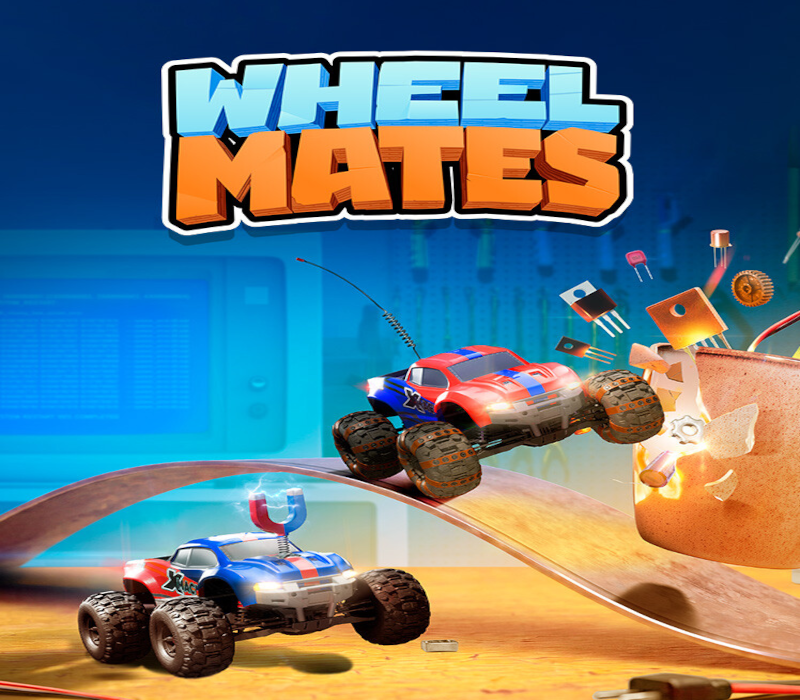
Activates on Steam. Region: Global.

Activates on Steam. Region: Global.

Activates on Steam. Region: Global.