Activates on Steam. Region: Global.

Activates on Steam. Region: Global.
Emilijus Games · 2025
Activates on Steam. Region: Global.
In stock at its regular priceIn stock
Delivered to your account, usually within minutes after payment is confirmed.
Card payment on a hosted page with 3-D Secure.



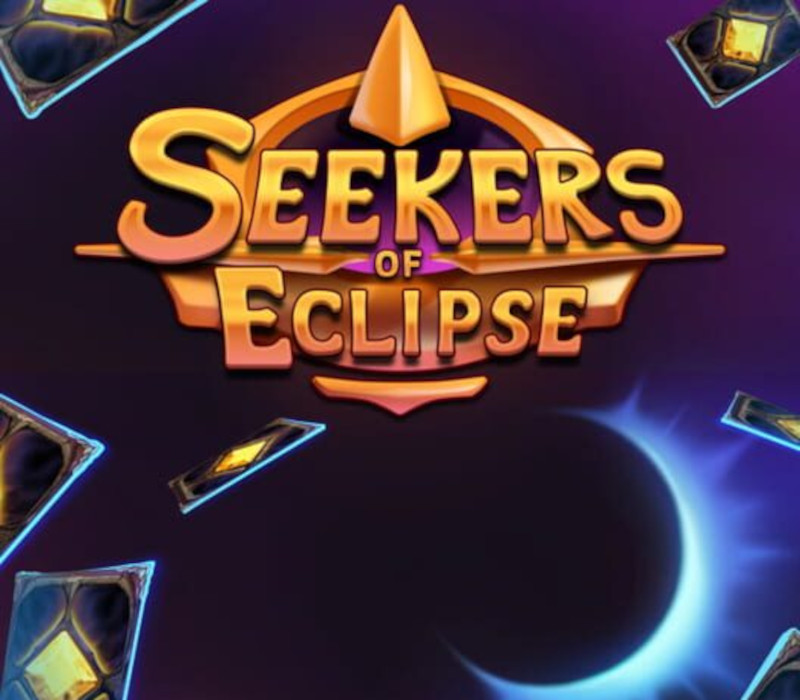
Each town will start from a humble beginning, but in a short time you will build an industrial city which produces all sorts of unique resources. Once you have produced enough resources, you will offer them to the gods for them to destroy enemies in your path towards the eclipse. When travelling you will have to pick which path to take. You will balance between what you want to visit and how many days you are willing to waste. Here you will improve your town deck by adding, removing and upgrading cards. In addition you will look for ancient relics which will help you in different ways. Choose a leader to gather up your people and set off on a journey to get back to the Lands of Eternal Sunshine. Your only way to do that is to make in time for the Eclipse and get everyone back.
You need a Steam account and the Steam app.
In browser: Visit ec.nintendo.com/redeem/#/ Select Sign in and enter your Nintendo Account e-mail address and password, and then select Sign in again. Enter your 16-digit download code and then select, Next. Re-enter your Nintendo Account password when prompted, then select Redeem to complete the process. On console: From the console HOME Menu, select the Nintendo eShop icon. Select "Balance" or press the + button. Select "Add Funds with a Nintendo Prepaid Card." Enter the activation code from the back of the prepaid card, then select "OK" to complete the transaction. As of August 29, 2022, it is no longer possible to use a Nintendo eShop Card to add funds to an account in Nintendo eShop on Wii U or the Nintendo 3DS family of systems. Users who link their Nintendo Network ID wallet (used with Wii U and the Nintendo 3DS family of systems) with their Nintendo Account wallet (used with the Nintendo Switch family of systems) can use the shared balance to purchase content on any of these systems until March 27, 2023. After that, the balance can only be used to purchase content for the Nintendo Switch family of systems.
More strategy on Steam, in board order.
Activates on Steam. Region: Global.
Activates on Steam. Region: Global.
Activates on Steam. Region: Global.

Activates on Steam. Region: Global.
Activates on Steam. Region: Global.