Activates on Steam. Region: Global.

Activates on Steam. Region: Global.
Playcademy · GC Games · 2018
Activates on Steam. Region: Global.
In stock at its regular priceIn stock
Delivered to your account, usually within minutes after payment is confirmed.
Card payment on a hosted page with 3-D Secure.



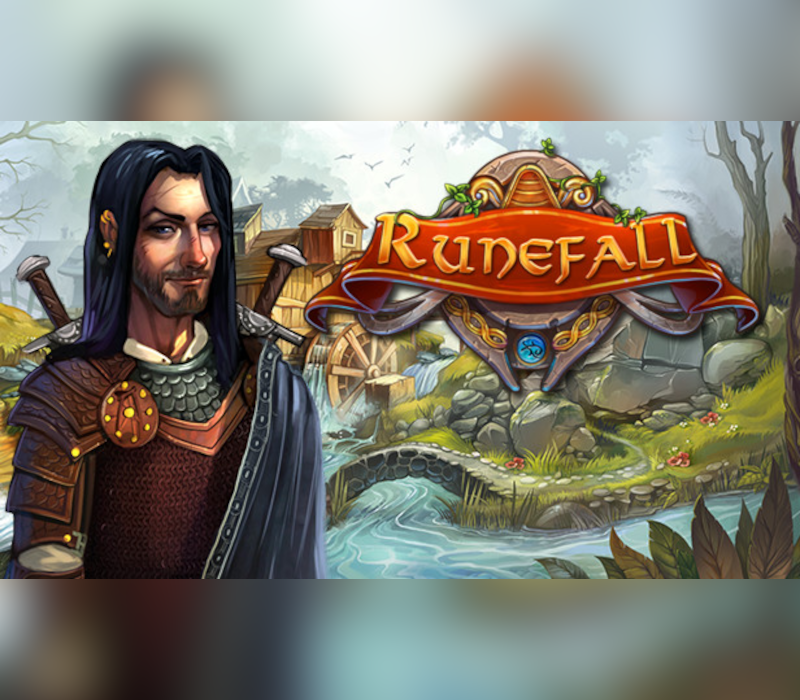
Explore the kingdom of Silverdale in this innovative new match-3 adventure that pairs the classic matching with exploration and discovery, item collection, quests, town building, and more! Traverse HUGE environments, collect resources, overcome obstacles, and upgrade the town of Rivermoor. Runefall is unlike any match-3 you've played. With every match you make, the camera moves in the direction of your match, allowing you to travel in all directions and explore the massive levels. Match over sand, grass, and dirt tiles to clear them and discover hidden items like keys to unlock treasure chests, unique quest items, or items to help you get past environmental obstacles like rivers, cliffs, and overgrown vines. Match shield pieces to fill your jump meter and use the mini-map to immediately jump to anywhere in the environment. Match gold, wood, and stone pieces to collect those resources and use them to upgrade the town of Rivermoor. Every town upgrade rewards you with bonuses like new power-ups and abilities. Meet all the townsfolk of Rivermoor who have stories to tell, like Hadrick, Winifred, and Caius. Take quests from them and help them gather the needed materials for their monthly tribute to send to the king.
You need a Steam account and the Steam app.
Go to: http://store.steampowered.com/ and download STEAM client Click "Install Steam" (from the upper right corner) Install and start application, login with your Account name and Password (create one if you don't have). Please follow these instructions to activate a new retail purchase on Steam: Launch Steam and log into your Steam account. Click the Games Menu. Choose Activate a Product on Steam... Follow the onscreen instructions to complete the process. After successful code verification go to the "MY GAMES" tab and start downloading.
More indie on Steam, in board order.
Activates on Steam. Region: Global.
Activates on Steam. Region: Global.

Activates on Steam. Region: Global.

Activates on Steam. Region: Global.

Activates on Steam. Region: Global.
