Activates on Steam. Region: Global.

Activates on Steam. Region: Global.
Business Tycoon · 2024
Activates on Steam. Region: Global.
In stock at its regular priceIn stock
Delivered to your account, usually within minutes after payment is confirmed.
Card payment on a hosted page with 3-D Secure.



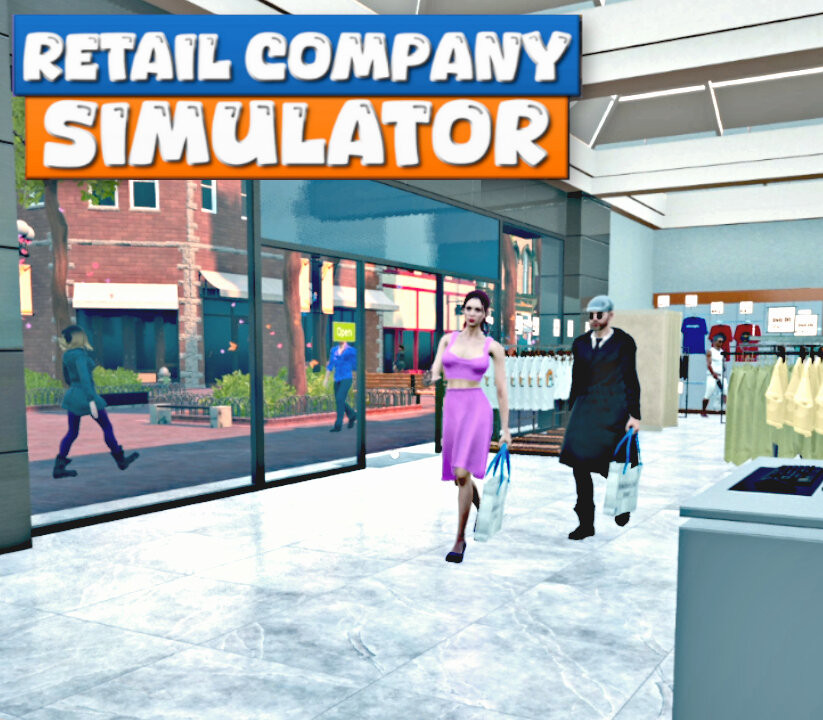
Run your retail company. Sign contracts with leading brands, order new products, meet customer needs, and never let your customers leave the store empty-handed. Hire new workers, expand your store, and enjoy the growth of your retail company. Store Workflow Sign contracts with leading brands, order new products with an in-game computer, unpack the boxes, place the products into your store, and set the prices for your products. Consider the market prices while setting up your product prices in the store for customer satisfaction. Products Please make sure your customers find all their needs in the store. Always expand your product portfolio and satisfy your customers. Shirts, jackets, pants, sweatshirts, dresses, t-shirts, shoes, hats, and more... Be aware of the market prices and purchase more products when they're cheap. Customers Place a sufficient number of checkouts and fitting rooms to reduce the waiting time for customers. Scan products and collect payments whether in cash or with card purchases. Expansions and New Teammates Expand your store and warehouse by leveling up your store and budget. Hire stockers to fill the racks. Purchase more cash registers and hire new cashiers to minimize long queues at the checkouts and to reduce waiting time for customers.
You need a Steam account and the Steam app.
Go to: http://store.steampowered.com/ and download STEAM client Click "Install Steam" (from the upper right corner) Install and start application, login with your Account name and Password (create one if you don't have). Please follow these instructions to activate a new retail purchase on Steam: Launch Steam and log into your Steam account. Click the Games Menu. Choose Activate a Product on Steam... Follow the onscreen instructions to complete the process. After successful code verification go to the "LIBRARY" tab and start downloading.
More simulation on Steam, in board order.
Activates on Steam. Region: Global.
Activates on Steam. Region: Global.

Activates on Steam. Region: Global.

Activates on Steam. Region: Global.

Activates on Steam. Region: Global.
