Activates on Steam. Region: Global.

Activates on Steam. Region: Global.
Oleg Leshchev · 2026
Activates on Steam. Region: Global.
In stock at its regular priceIn stock
Delivered to your account, usually within minutes after payment is confirmed.
Card payment on a hosted page with 3-D Secure.



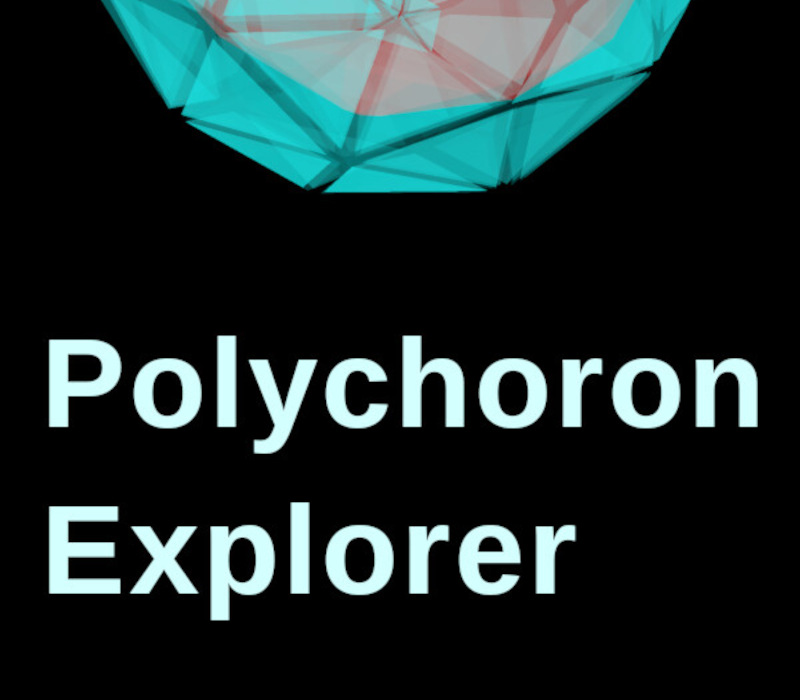
Explore 4D world as viewed by the eyes of imaginary 4D creature that uses volumetric (3D) space for visual sensing instead of planar (2D) space like we do. A brand new 4D rendering engine was created for a casual puzzle game yet to be released. Based on that engine, this exploration sandbox was created to observe 4D convex polychorons (which are 4D geometrical shapes made out of 3D shapes). Currently implemented features are: Pick any of 6 known regular polychorons to explore - 5-cell, 8-cell, 16-cell, 24-cell, 120-cell and 600-cell. Look at the selected polychoron from any direction like an imaginary 4D creature would. This is achieved by 3D projection matrix technique where 4D objects are projected onto 3D spherical matrix like 3D objects are projected onto 2D matrix which we use to explore 3D world. Several rendering customization options are available to make this complex display perceivable as a volume rather than as a picture. Rotate around the polychoron using any of the 6 rotation axis-planes of 4D space using keyboard, mouse drag or controller analog axes. Paint any of the polychoron's cells into any color or turn them off completely. Save colorings to revisit them later. This allows player to follow particular cell's rotation relative to others and to follow polychora's cell rings. Use Scan mode to explore polychorons by cutting them with 3D hyper-plane and see what comes out. This mode also allows full rotations, just like projection mode does. Create your own polychorons by splitting the existing one in Scan mode or by providing your own geometry (programming experience needed to make your own geometry). Currently the game is a sandbox where players themselves find what available features entertains them the most. But additional casual puzzle game with scoring and achievements is planned to be added soon.
You need a Steam account and the Steam app.
More indie on Steam, in board order.
Activates on Steam. Region: Global.
Activates on Steam. Region: Global.

Activates on Steam. Region: Global.

Activates on Steam. Region: Global.

Activates on Steam. Region: Global.
