Activates on Steam. Region: Europe. Downloadable content.

Activates on Steam. Region: Global. Downloadable content.
PolytanQ · Gotcha Gotcha Games · 2022
Activates on Steam. Region: Global. Downloadable content.
In stock at its regular priceIn stock
Delivered to your account, usually within minutes after payment is confirmed.
Card payment on a hosted page with 3-D Secure.



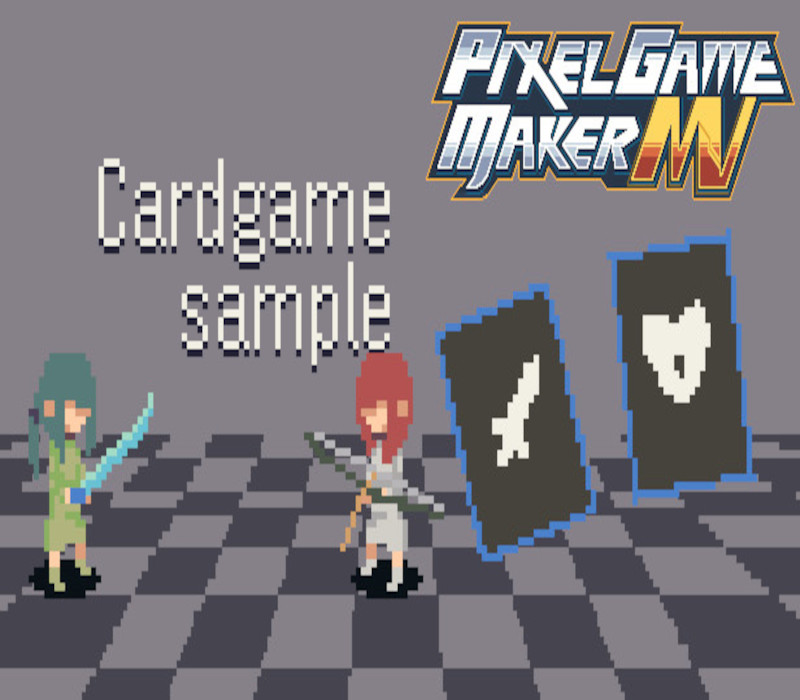
This is a sample project of a battle-type card game created with Pixel Game Maker MV. Basic Rules: Your unit is on the right and your enemy is the unit on the left The numbers on the unit represent stamina, attack points, and defense points. You can tell whether the enemy will attack or defend next by referring to the numbers on the enemy side. At the beginning of the game, you are dealt three cards. The sword card is for attack, and the shield card is for defense. You can choose any one of them and then you start the attack phase. The damage is the number of your opponent’s attack points minus your defense points. If the player and enemy are still alive, the next turn commences and a card is dealt. This continues until either you or your opponent’s stamina reaches zero. If your enemy’s stamina reaches zero before you, you win. If your stamina reaches zero before your opponent, or if all cards have been drawn, you lose. For more information on how to make and play the game, visit the tutorial section in Object.
You need a Steam account and the Steam app.
Go to: http://store.steampowered.com/ and download STEAM client Click "Install Steam" (from the upper right corner) Install and start application, login with your Account name and Password (create one if you don't have). Please follow these instructions to activate a new retail purchase on Steam: Launch Steam and log into your Steam account. Click the Games Menu. Choose Activate a Product on Steam... Follow the onscreen instructions to complete the process. After successful code verification go to the "LIBRARY" tab and start downloading.
More action on Steam, in board order.
Activates on Steam. Region: Europe. Downloadable content.
Activates on Steam. Region: Europe. Downloadable content.
EN AR CH +9 · Needs the base gameDLC
Activates on Steam. Region: Global. Downloadable content.
Activates on Steam. Region: Global. Downloadable content.
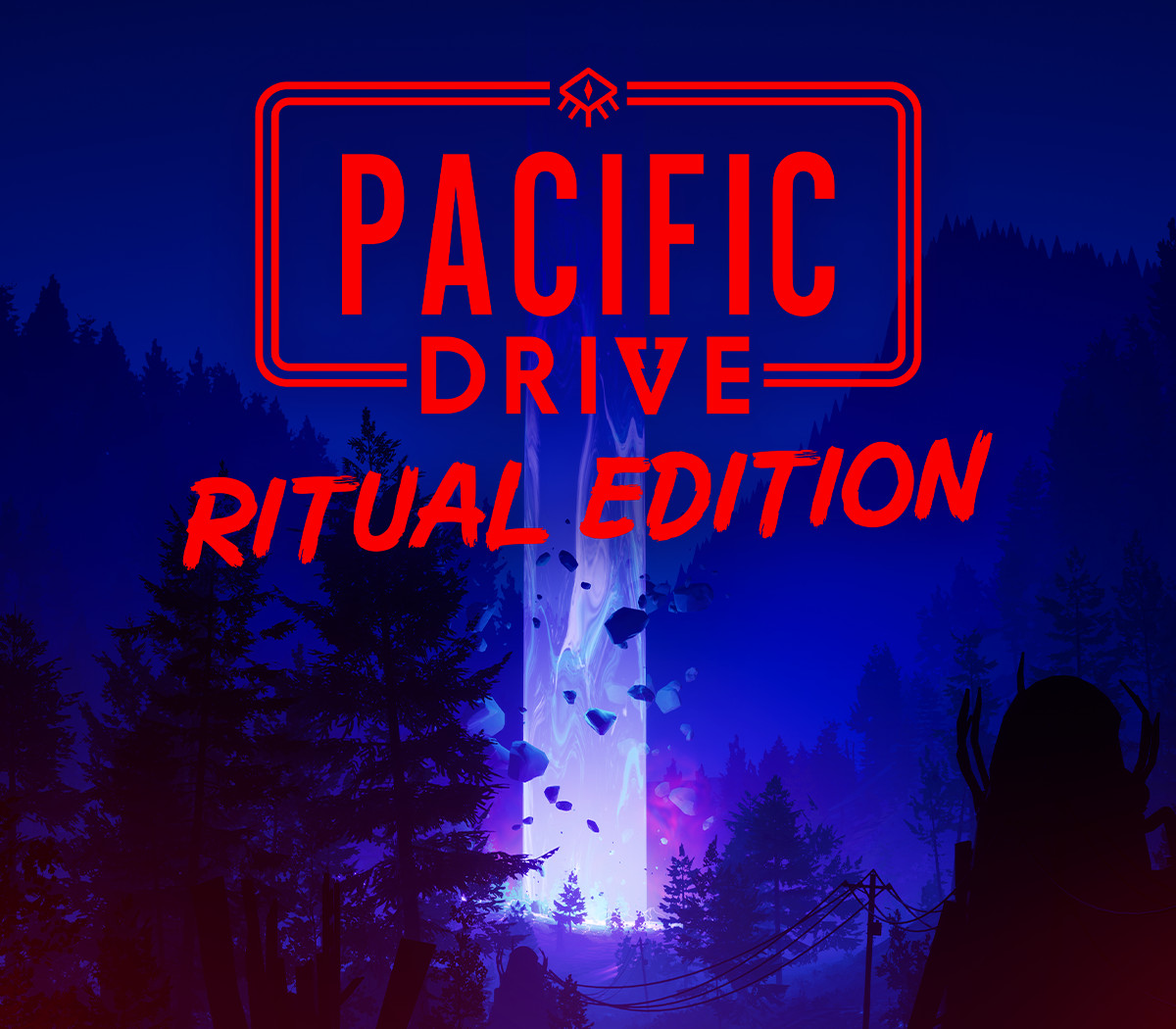
Activates on Steam. Region: Global. Downloadable content.