Activates on Steam. Region: Global. Downloadable content.
Activates on Steam. Region: Global. Downloadable content.
MR-Software GbR · Aerosoft GmbH · 2019
Activates on Steam. Region: Global. Downloadable content.
In stock at its regular priceIn stock
Delivered to your account, usually within minutes after payment is confirmed.
Card payment on a hosted page with 3-D Secure.



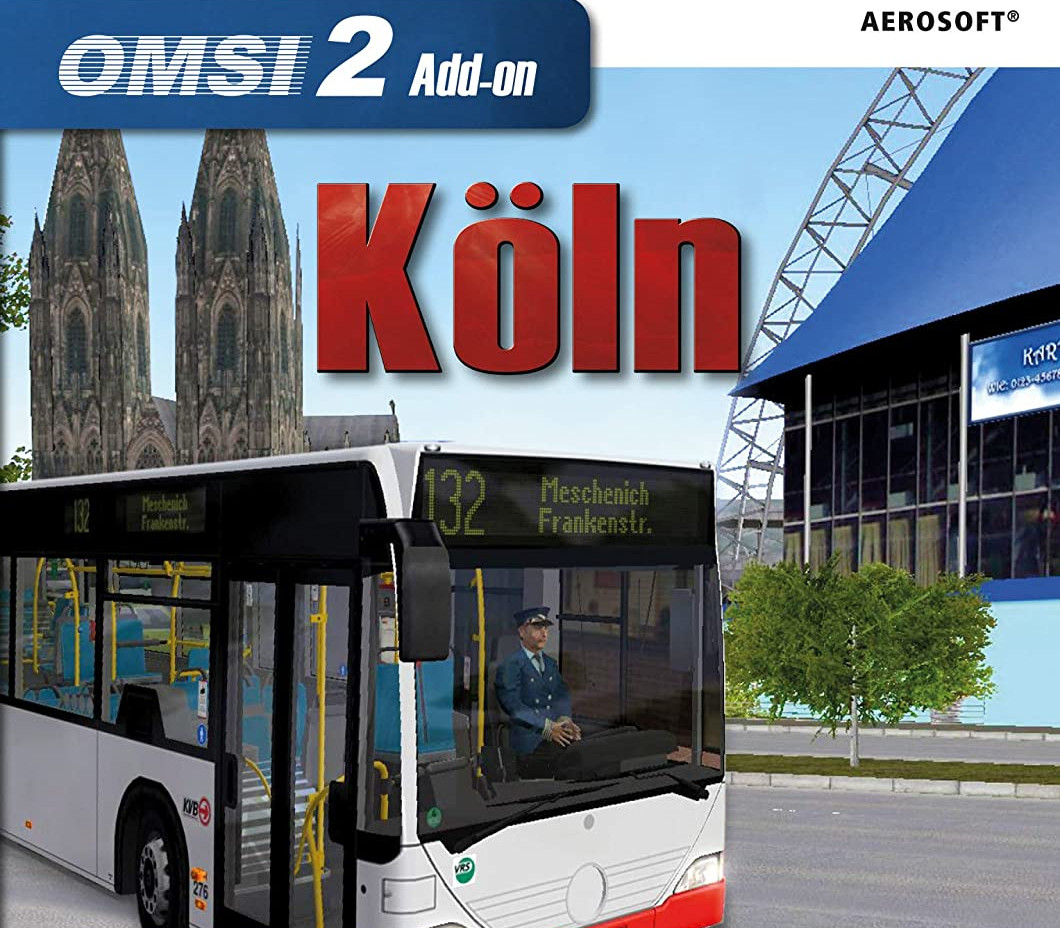
As the biggest city in North Rhine-Westphalia, Cologne has an extensive public transit network. The city railway and bus lines are being operated by the Kölner Verkehrsbetriebe AG (KVB).In this add-on für OMSI 2, you drive on one of the most highly frequented bus lines in Cologne, the line 132. It takes you from Breslauer Platz at the main station via Heumarkt, Severinstraße and Chlodwigplatz southwards along the Bonner Straße to Rondorf and on to Meschenich. It is an interesting and diverse route – you’ll drive through the metropolitan downtown with its famous buildings like Severinstor Castle all the way into the Cologne’s rural outskirts around Meschenich.The routing in this add-on is highly accurate. Numerous 3D objects were created based on their real-world counterparts, thus conveying a realistic impression of the city of Cologne. Also included is a corresponding bus, the Mercedes “Citaro”. It comes in both a city bus and articulated variant. Features KVB line 132, Breslauer Platz main station – Frankenstraße in Meschenich Length ca. 13.5 km 28 bus stops Travel time ca. 51 minutes Mercedes Citaro (city bus and articulated bus)
You need a Steam account and the Steam app.
Go to: http://store.steampowered.com/ and download STEAM client Click "Install Steam" (from the upper right corner) Install and start application, login with your Account name and Password (create one if you don't have). Please follow these instructions to activate a new retail purchase on Steam: Launch Steam and log into your Steam account. Click the Games Menu. Choose Activate a Product on Steam... Follow the onscreen instructions to complete the process. After successful code verification go to the "LIBRARY" tab and start downloading.
More simulation on Steam, in board order.
Activates on Steam. Region: Global. Downloadable content.
Activates on Steam. Region: Global. Downloadable content.
Activates on Steam. Region: Europe. Downloadable content.
Activates on Steam. Region: Global. Downloadable content.
Activates on Steam. Region: Global. Downloadable content.