Activates on Steam. Region: Europe.

Activates on Steam. Region: Global.
BancyCo · 2024
Activates on Steam. Region: Global.
In stock at its regular priceIn stock
Delivered to your account, usually within minutes after payment is confirmed.
Card payment on a hosted page with 3-D Secure.



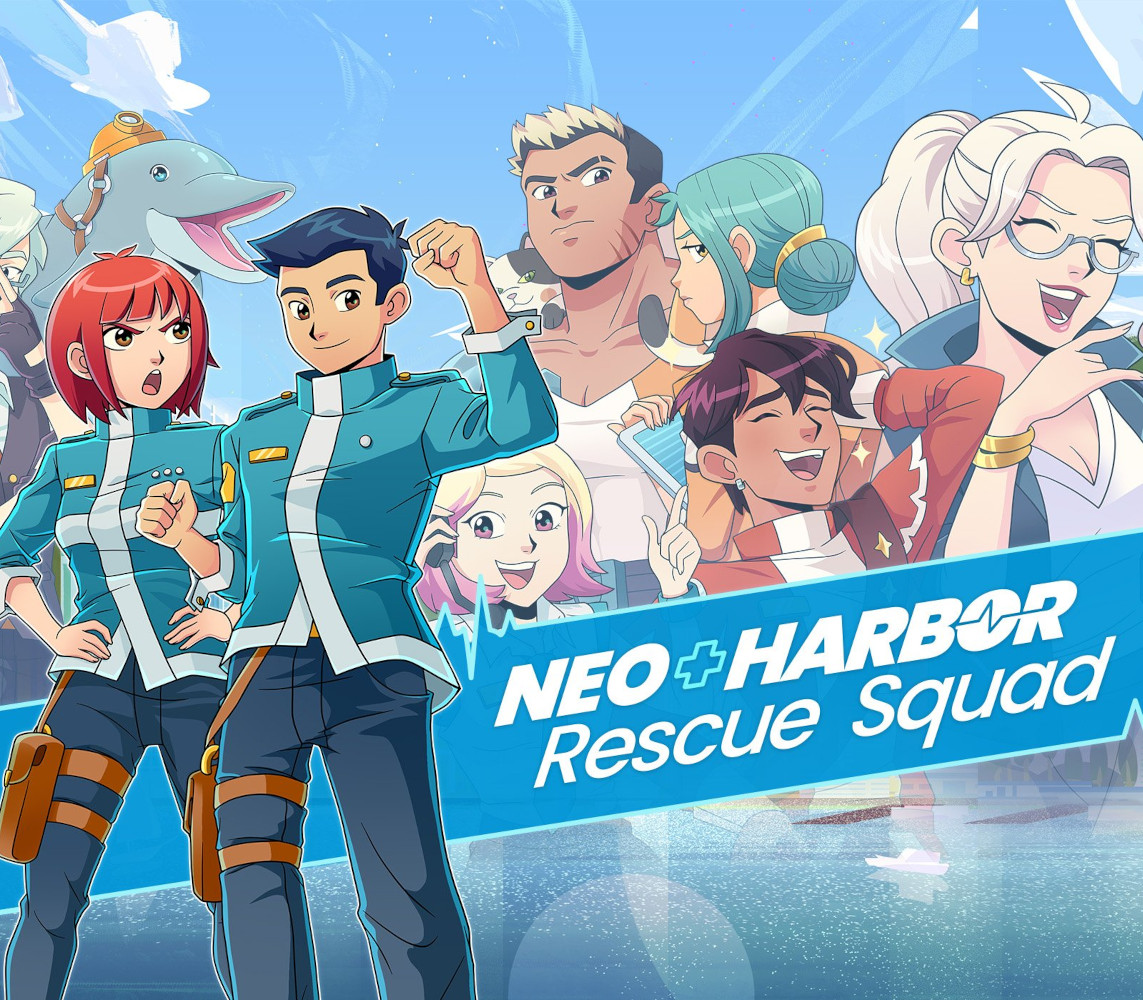
Live the life of a rookie paramedic through frantic minigame action and a wild, funny story. Juggle waves of patients with a battle-like triage system; master dozens of treatment minigames; and win the city's recognition from the rival fire department in this paramedic action drama! MAIN FEATURES: 🩹 Use our triage system to quickly monitor patients’ health, how much damage they’re taking, if they’re critical, and learn to prioritize treatment 🪟 Quickly switch between different views to manage multiple patients across a variety of complex scenes 🛡️ Use shields to temporarily protect your patients from damage, giving you some breathing room to strategize 🅰️ Aim for a high rank with each emergency; be graded based on speed, skill, and the condition of your patients 💬 Make dialogue choices to deal with the public, advance the story, and get to know your squadmates 🐬 Laugh through a story of teamwork and friendship (and dolphins), inspired by real paramedic stories in Asia! CONTROL AND PRESENTATION DETAILS: Play with gamepad or keyboard (with some minigames also allowing mouse control); freely switch at any time Supports Xinput controllers, PlayStation DualSense® controller, PlayStation DualShock® controller, Nintendo Switch Pro Controller Multiple resolution settings: supports up to native 4K! Full-screen/windowed/borderless window modes Separate audio settings for music/sound/ambience Vsync toggle Screen shake toggle
You need a Steam account and the Steam app.
Go to: http://store.steampowered.com/ and download STEAM client Click "Install Steam" (from the upper right corner) Install and start application, login with your Account name and Password (create one if you don't have). Please follow these instructions to activate a new retail purchase on Steam: Launch Steam and log into your Steam account. Click the Games Menu. Choose Activate a Product on Steam... Follow the onscreen instructions to complete the process. After successful code verification go to the "LIBRARY" tab and start downloading.
More action on Steam, in board order.
Activates on Steam. Region: Europe.
Activates on Steam. Region: Global.

Activates on Steam. Region: Global.

Activates on Steam. Region: Global.

Activates on Steam. Region: Global.
