Activates on Steam. Region: Global.

Activates on Steam. Region: Global.
Tunnel Vision Studio · 2018
Activates on Steam. Region: Global.
In stock at its regular priceIn stock
Delivered to your account, usually within minutes after payment is confirmed.
Card payment on a hosted page with 3-D Secure.



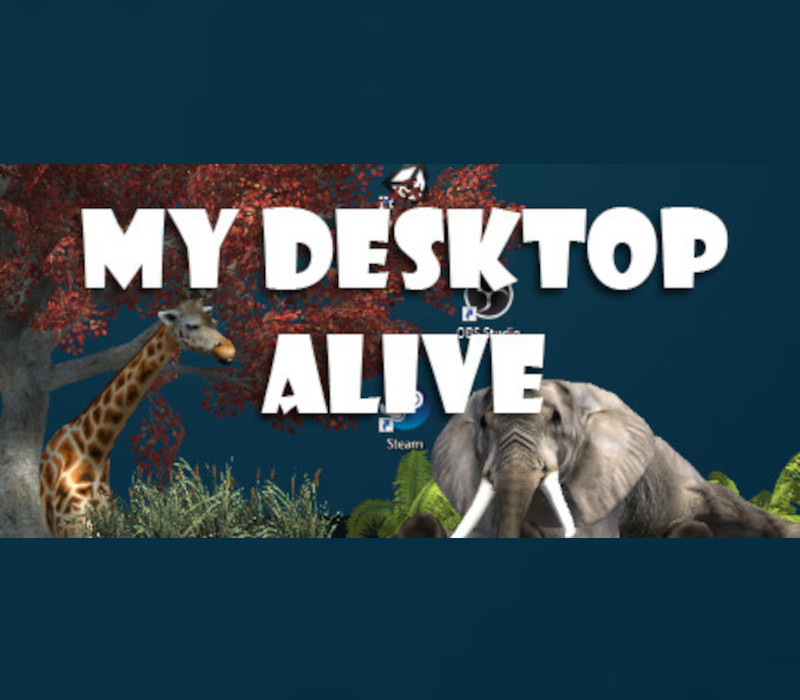
We spend an incredibly large amount of time sitting in front of our computer. We perform all sort of tasks, but every time we move from one task to another, we come back to the same, immobile, dull desktop. That’s why sometimes it’s good to twist things a bit, and have a lively bunch hang out around your computer screen. It’s all about the good company. These friends will be there to cheer you up while working on that neverending excel file, will make you think twice before replying to your boss’ angry email, will drive positive thoughts to your mind on a cloudy day. Missing your cat at the office? Here’s a tiger that won’t split your coffee mug on your keyboard. Need a friend but you can’t stand hugs? Here’s a cute short-armed t-rex who’s unable to hug. Got the green thumb but you live in a basement? Here’s a tree, two trees, three trees! Keep focusing on the things you have to do while life goes on your desktop, you don’t have to worry about anything. Just… keep an eye on those robots, it’s not clear how they got there... INSTRUCTIONS Select all the elements you want to bring to life on your desktop.Once you are ready, click the "START" button and let the magic happen.Now that your desktop is populated you can: Drag and drop each element holding the left mouse button to move it around Animate an element by double-clicking it Open an element’s control panel by right-clicking on it The control panel allows you to rotate, resize, duplicate, remove or change the depth of a single element.Moreover, it’s possible to edit 4 features that will affect all the scenes:PERSPECTIVE CAMERA: simply change the camera view from orthographic to perspective.FREE ROAMING: activating this feature will apply physics to all elements, which will then be free to ambulate around your desktop, and bite your icons off if they feel like it.NATURAL INSTINCT: when this option is on, nature starts taking its course and each animal becomes either hunter or prey. Studies are being conducted on robots to analyse the impact on their artificial intelligence.FUNNY MODE: top secret
You need a Steam account and the Steam app.
Go to: http://store.steampowered.com/ and download STEAM client Click "Install Steam" (from the upper right corner) Install and start application, login with your Account name and Password (create one if you don't have). Please follow these instructions to activate a new retail purchase on Steam: Launch Steam and log into your Steam account. Click the Games Menu. Choose Activate a Product on Steam... Follow the onscreen instructions to complete the process. After successful code verification go to the "LIBRARY" tab and start downloading.
More simulation on Steam, in board order.
Activates on Steam. Region: Global.
Activates on Steam. Region: Global.

Activates on Steam. Region: Global.

Activates on Steam. Region: Global.

Activates on Steam. Region: Global.
