Activates on Steam. Region: Global.

Activates on Steam. Region: Global.
Altai Entertainment · Blackburne Games Yazılım A.Ş. · 2025
Activates on Steam. Region: Global.
In stock at its regular priceIn stock
Delivered to your account, usually within minutes after payment is confirmed.
Card payment on a hosted page with 3-D Secure.



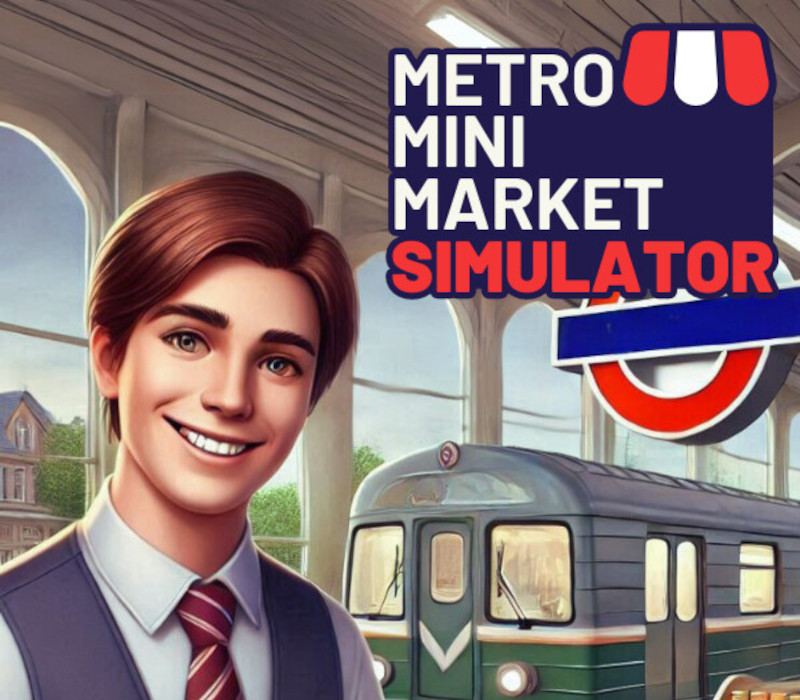
Metro Mini Market Simulator is a detailed and immersive sales simulation game that invites you to manage and grow your own mini market within a busy metro station. At the beginning of the game, you only have a shelf, a few basic products, and a cash register. However, over time, you'll have the opportunity to grow your business by increasing your sales and using the money you earn to purchase new product licenses and various equipment. Although the range of products you can sell in your market is initially limited, by adding equipment like beverage coolers, magazine racks, and POS devices, you can expand your product variety and cater to a larger customer base. This will speed up customer flow and multiply your profits. Additionally, thanks to automation devices like vending machines for food and drinks that can be set up in the metro station, you will have the chance to further increase your income. Inventory management is also a critical part of the game. You can expand your storage space to stock more products and speed up your sales. Throughout this process, you'll need to adjust product prices carefully and make strategic plans to meet customer demands. This will help ensure customer satisfaction and make your market more profitable.
You need a Steam account and the Steam app.
Go to: http://store.steampowered.com/ and download STEAM client Click "Install Steam" (from the upper right corner) Install and start application, login with your Account name and Password (create one if you don't have). Please follow these instructions to activate a new retail purchase on Steam: Launch Steam and log into your Steam account. Click the Games Menu. Choose Activate a Product on Steam... Follow the onscreen instructions to complete the process. After successful code verification go to the "LIBRARY" tab and start downloading.
More simulation on Steam, in board order.
Activates on Steam. Region: Global.
Activates on Steam. Region: Global.

Activates on Steam. Region: Global.

Activates on Steam. Region: Global.

Activates on Steam. Region: Global.
