Activates on Steam. Region: Europe.

Activates on Steam. Region: Global.
Tunnel Vision Games · 2020
Activates on Steam. Region: Global.
In stock at its regular priceIn stock
Delivered to your account, usually within minutes after payment is confirmed.
Card payment on a hosted page with 3-D Secure.



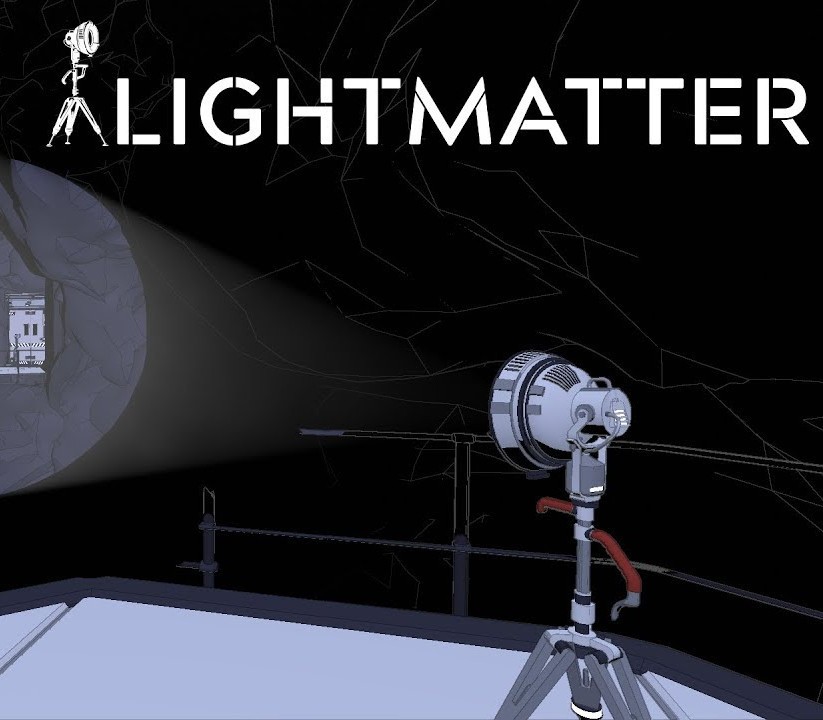
An Homage to First Person PuzzlersPlay Tunnel Vision Games’ love-letter to the genre. Use lateral thinking to solve mind-bending puzzles with lights, shadows, beams, platforms, and lightmatter. Starring David Bateson as Virgil“Now that I'm thinking about photon power cells, let me test an idea on you. Have you ever wanted to stay awake forever?” Fan favorite, David Bateson leads as Virgil, CEO of Lightmatter Technologies Virgil’s Vision For The Future“Imagine at the center of a city, a CORE - providing sustainable and renewable energy to millions. That is the future we are striving for. '' What will you sacrifice today for a brighter tomorrow? The “Aha” Moment“If you are contemplating suicide, by all means - jump that gap with the lamp.” Lightmatter is a game of the floor is lava with deadly shadows and consequences. Examine your surroundings closely. Think smarter, not harder!
You need a Steam account and the Steam app.
Go to: http://store.steampowered.com/ and download STEAM client Click "Install Steam" (from the upper right corner) Install and start application, login with your Account name and Password (create one if you don't have). Please follow these instructions to activate a new retail purchase on Steam: Launch Steam and log into your Steam account. Click the Games Menu. Choose Activate a Product on Steam... Follow the onscreen instructions to complete the process. After successful code verification go to the "MY GAMES" tab and start downloading.
More adventure on Steam, in board order.
Activates on Steam. Region: Europe.
Activates on Steam. Region: Global.

Activates on Steam. Region: Global.

Activates on Steam. Region: Global.

Activates on Steam. Region: Global.