Activates on Steam. Region: Global.

Activates on Steam. Region: Global.
Hermann Fischer · Total Creations · 2017
Activates on Steam. Region: Global.
In stock at its regular priceIn stock
Delivered to your account, usually within minutes after payment is confirmed.
Card payment on a hosted page with 3-D Secure.



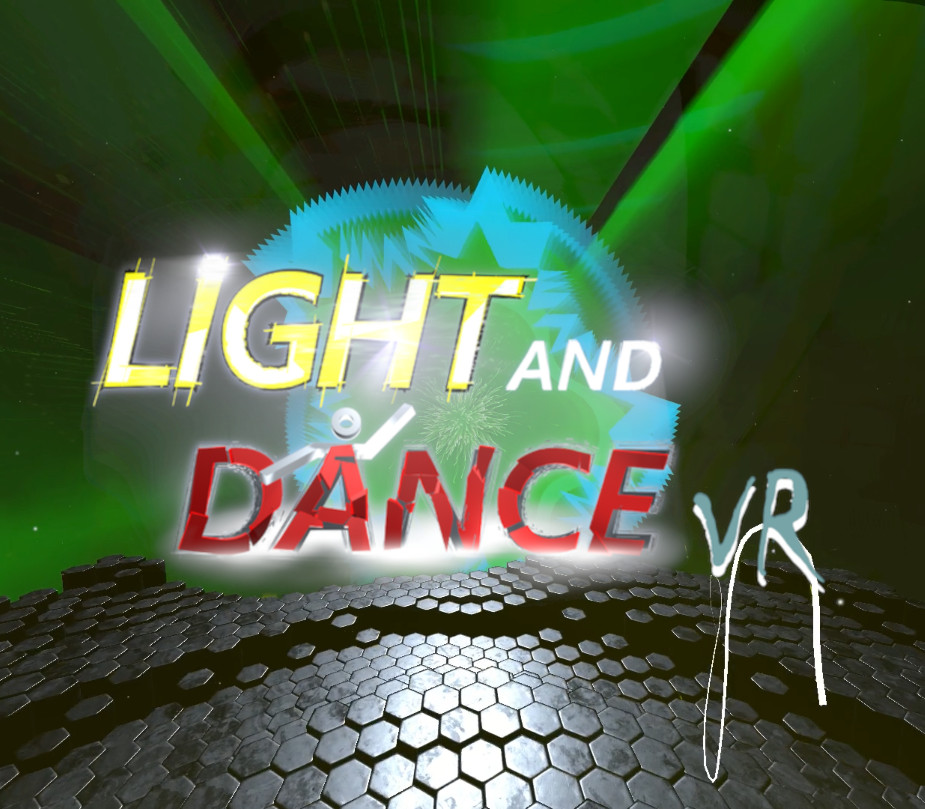
Step into a world where music is all that matters. You are the one to decide how to play this game! Lay down and relax to watch the colors and patterns change to your music, dance until your feet are sore or challenge yourself in one of the music driven games.Many amazing environments and dance floors are waiting for you to dance the night away! Play your music, start the game, jump in and dance, relax or play some games. The visuals will blow your mind with depth and beauty and all driven by music! Features: Radio stations build into the game. Calory tracking while moving! Supports every music source. Jump interaction. Microphone support! Music visualizer, lean back, relax and enjoy! Chillout-Mode supports laying, sitting and every imaginable, human possible position. Many custom settings. Great visuals! Many music reactive Dance Floors to choose from! Many Environments and Game-Modes -> more will come... Realistic volumetric Lights and Fog. Use your Touch-Controller for "drawing". Change through Environments and Dance-Floors with the Touch-Controller.
You need a Steam account and the Steam app.
Go to: http://store.steampowered.com/ and download STEAM client Click "Install Steam" (from the upper right corner) Install and start application, login with your Account name and Password (create one if you don't have). Please follow these instructions to activate a new retail purchase on Steam: Launch Steam and log into your Steam account. Click the Games Menu. Choose Activate a Product on Steam... Follow the onscreen instructions to complete the process. After successful code verification go to the "LIBRARY" tab and start downloading.
More simulation on Steam, in board order.
Activates on Steam. Region: Global.
Activates on Steam. Region: Global.

Activates on Steam. Region: Global.

Activates on Steam. Region: Global.

Activates on Steam. Region: Global.
