Activates on Steam. Region: Europe.

Activates on Steam. Region: Global.
ZAR 21 · Daedalic Entertainment GmbH · 2017
Activates on Steam. Region: Global.
In stock at its regular priceIn stock
Delivered to your account, usually within minutes after payment is confirmed.
Card payment on a hosted page with 3-D Secure.



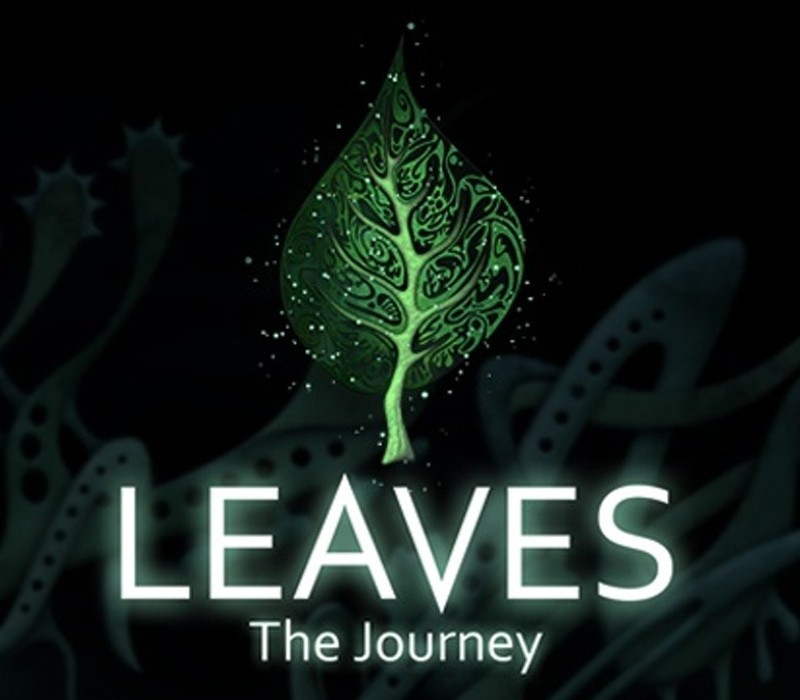
"LEAVES - The Journey" is an artistic exploration and puzzle-adventure full of real sculptures in a surreal dreamscape.Collect and combine information and solve a huge variety of challenging puzzles and mini games.Your sudden arrival on the high plateau of the Stony Mountains caused quite the commotion among the Treefruities. They even forget holding on to the leaves of their home tree and so the calamity ensues. A gust of wind scatters the leaves all across the lands of Mononino.Help the Treefruities to get their lost leaves back and look forward to an amazing journey. Explore the fantastic land of Mononino where strange creatures and secrets are waiting to be discovered. Features Artistic puzzle design in the tradition of games like Samorost, Machinarium und Rhem Challenging puzzles and unique mini games Explore four vast worlds Atmospheric soundtrack by award winning composer Gary Marlowe and Daniel Hoffknecht
You need a Steam account and the Steam app.
Go to: http://store.steampowered.com/ and download STEAM client Click "Install Steam" (from the upper right corner) Install and start application, login with your Account name and Password (create one if you don't have). Please follow these instructions to activate a new retail purchase on Steam: Launch Steam and log into your Steam account. Click the Games Menu. Choose Activate a Product on Steam... Follow the onscreen instructions to complete the process. After successful code verification go to the "MY GAMES" tab and start downloading.
More adventure on Steam, in board order.
Activates on Steam. Region: Europe.
Activates on Steam. Region: Global.

Activates on Steam. Region: Global.

Activates on Steam. Region: Global.
Activates on Steam. Region: Global.