Activates on Steam. Region: Europe. Downloadable content.

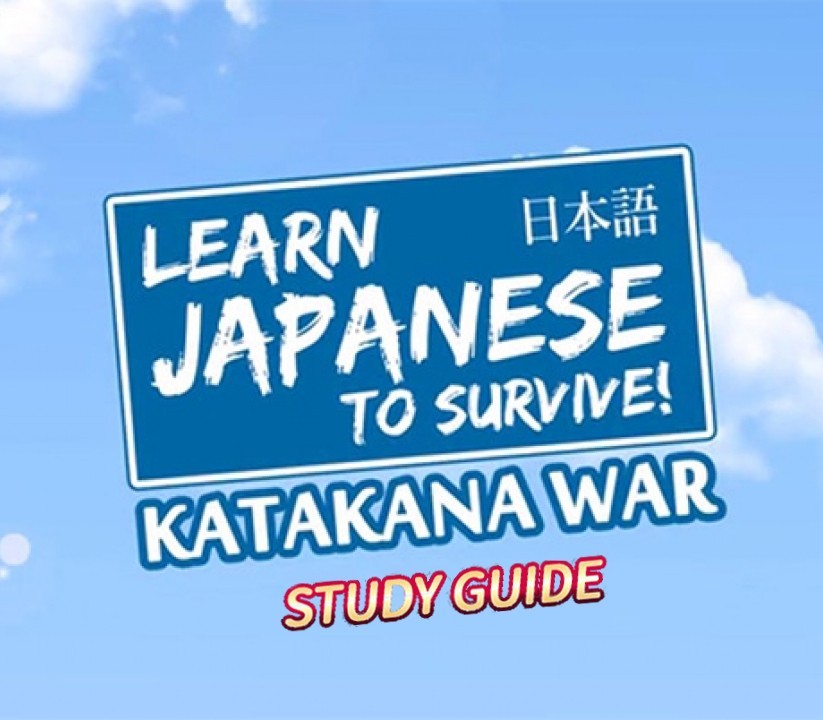
Activates on Steam. Region: Global. Downloadable content.
Sleepy Duck · RIVER CROW STUDIO · 2017
Activates on Steam. Region: Global. Downloadable content.
In stock at its regular priceIn stock
Delivered to your account, usually within minutes after payment is confirmed.
Card payment on a hosted page with 3-D Secure.



This DLC pack contains a PDF file. You get the Katakana Handbook, a useful study guide that acts as a companion to the Katakana War game.Katakana is one of the basic writing systems used in Japanese. Japanese actually combines 3 different sets of characters to form written works: Hiragana, Katakana and Kanji. This book focuses solely on Katakana, which is often used to write words of foreign origin, as well as the names of people and places. 32 pages, presented in a PDF file.[LOCATING YOUR DLC ONCE PURCHASED & DOWNLOADED]This PDF file is downloaded to your game's Steam directory after purchase. The default location is:\Program Files (x86)\SteamLibrary\steamapps\common\Learn Japanese To Survive! Katakana War\If this is not valid on your PC, locate your game's install directory using these instructions: Open the Steam client and navigate to your game library Right-click the entry for Learn Japanese To Survive! Katakana War and select Properties Click the Local Files tab Click Browse Local Files This will open the game's directory, and once your DLC is installed, you'll be able to view the PDF file.
You need a Steam account and the Steam app.
Go to: http://store.steampowered.com/ and download STEAM client Click "Install Steam" (from the upper right corner) Install and start application, login with your Account name and Password (create one if you don't have). Please follow these instructions to activate a new retail purchase on Steam: Launch Steam and log into your Steam account. Click the Games Menu. Choose Activate a Product on Steam... Follow the onscreen instructions to complete the process. After successful code verification go to the "MY GAMES" tab and start downloading.
More adventure on Steam, in board order.
Activates on Steam. Region: Europe. Downloadable content.
Activates on Steam. Region: Europe. Downloadable content.
EN AR CH +9 · Needs the base gameDLC
Activates on Steam. Region: Global. Downloadable content.
Activates on Steam. Region: Global. Downloadable content.
Activates on Steam. Region: Global. Downloadable content.