Activates on Steam. Region: Global.

Activates on Steam. Region: Global.
Hubblegum · 2018
Activates on Steam. Region: Global.
In stock at its regular priceIn stock
Delivered to your account, usually within minutes after payment is confirmed.
Card payment on a hosted page with 3-D Secure.



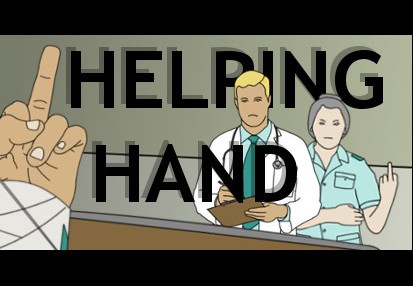
Imagine this: you’ve been in a horrible car accident, every bone and muscle in your body is broken and the only thing you can use to express yourself is your left hand…Welcome to Helping Hand!This game is about communicating with characters, unlocking new environments and possibly ruling the world - all with just your left hand. Throughout the game, you can use up to seven unique hand gestures to communicate with people and fiddle with your environment. Careful though, try not to anger people too much – your life could depend on it!Helping Hand works with a keyboard and mouse. Each finger within the game relies on a separate input. By default, the controls are: “1” for your pinky finger “2” for your ring finger “3” for your middle finger “4” for your index finger “Space Bar” for your thumb As you press each button, your finger will bend. If you bend your fingers in the right combination, you will form a gesture. Check out the instruction screen if you’re stuck and feel free to change the finger inputs inside the game!Good luck! And try to be nice to Nurse Barbara…
You need a Steam account and the Steam app.
Go to: http://store.steampowered.com/ and download STEAM client Click "Install Steam" (from the upper right corner) Install and start application, login with your Account name and Password (create one if you don't have). Please follow these instructions to activate a new retail purchase on Steam: Launch Steam and log into your Steam account. Click the Games Menu. Choose Activate a Product on Steam... Follow the onscreen instructions to complete the process. After successful code verification go to the "MY GAMES" tab and start downloading.
More simulation on Steam, in board order.
Activates on Steam. Region: Global.
Activates on Steam. Region: Global.

Activates on Steam. Region: Global.

Activates on Steam. Region: Global.

Activates on Steam. Region: Global.
