Activates on Steam. Region: Global.

Activates on Steam. Region: Global.
Yusuf Kurt · 2025
Activates on Steam. Region: Global.
In stock at its regular priceIn stock
Delivered to your account, usually within minutes after payment is confirmed.
Card payment on a hosted page with 3-D Secure.



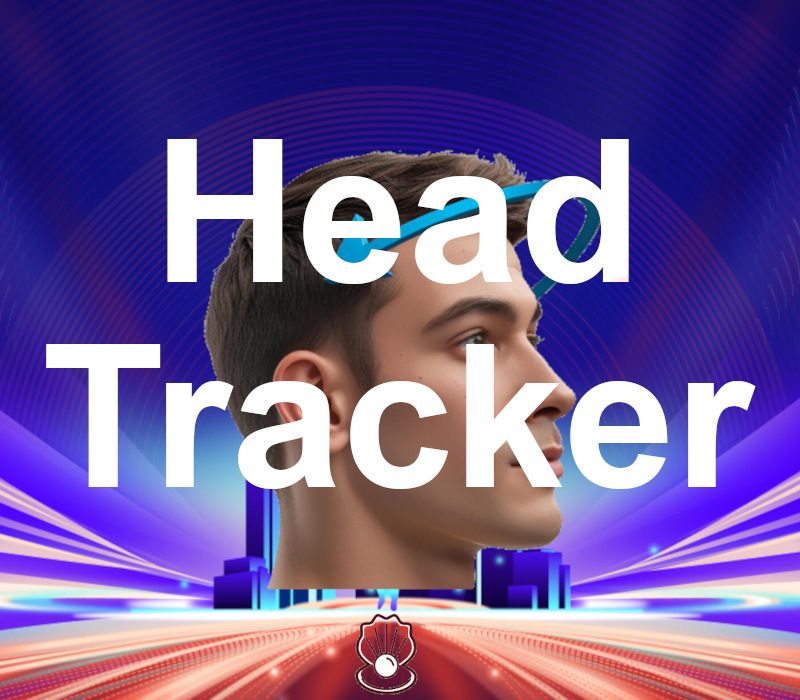
Move Your Head, Feel the Game! A New Dimension in Gaming with Real-Time Head Tracking With this innovative application, you can control the in-game camera simply by turning your head left-right or tilting it forward-backward. Enjoy a more realistic and natural gameplay experience in games like ETS2, BeamNG, DCS, FSX and more! How It Works The application requires a virtual joystick vJoy driver to work. If this driver is not installed on your computer, the application will direct you to the free vJoy download page. Complete the installation and restart the application to start using it. Calibration: By asking you to perform certain head movements (e.g., look right, look up), the system creates a more precise and personalized control profile. To make this easier, a guide is available at the bottom left inside the app. Everything is ready! Open your game, connect vJoy, and easily assign your control commands. A step-by-step guide using ETS2 is included within the application to assist you. Features Real-time head tracking Game-specific setup guides (ETS2) Calibration system Does not work without camera access — privacy conscious Lightweight and stable performance even on low-end systems Who Is It For? Anyone looking for a more immersive way to control simulation games! Those who want a VR-like experience using just a webcam Players who have a racing wheel but lack TrackIR or similar hardware
You need a Steam account and the Steam app.
More simulation on Steam, in board order.
Activates on Steam. Region: Global.
Activates on Steam. Region: Global.

Activates on Steam. Region: Global.

Activates on Steam. Region: Global.

Activates on Steam. Region: Global.
