Activates on Steam. Region: Global.

Activates on Steam. Region: Global.
OVERDRIVE · MangaGamer · 2018
Activates on Steam. Region: Global.
In stock at its regular priceIn stock
Delivered to your account, usually within minutes after payment is confirmed.
Card payment on a hosted page with 3-D Secure.



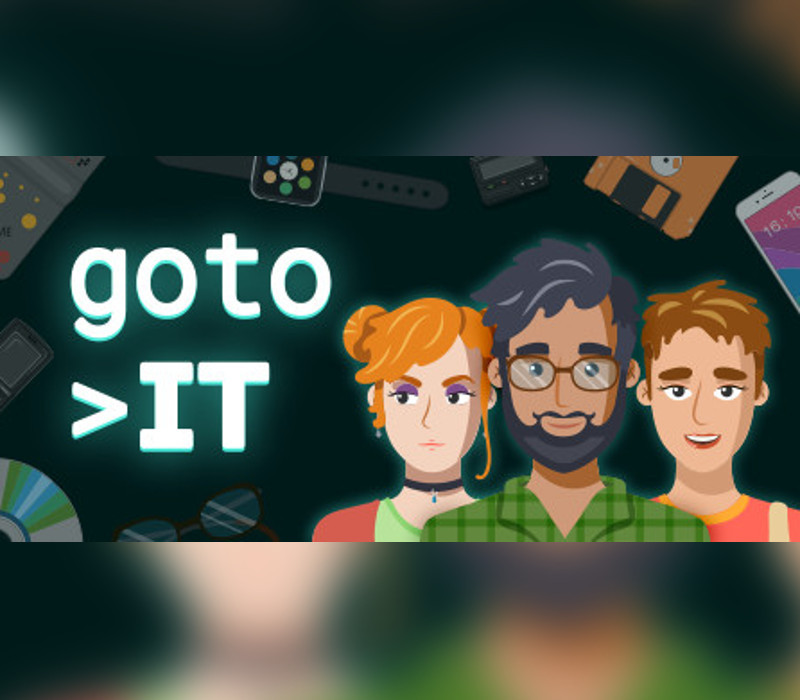
Have you ever wanted to run your own software company? Go to IT is a business simulation game with a multitude of parameters to manage and meaningful choices to enjoy. Build your company and bring it to the top, surviving almost 30 years of software industry ups and downs.Tactical Depth Choose your corporate strategy. In-house projects or outsource? Tight deadlines when stakes are high or playing safe while missing on profit? Manage the entire project lifecycle. Implement methodologies and techniques: test-driven development, refactoring, pair programming. Build your processes and test them against market reality. Loans, investments, recruitment, buying development tools, setting up an office. Challenging decisions await. Multidimensional Management Challenges Additionally to hard skills, each employee has soft skills and personality. A highly qualified person, who is always late and not really willing to learn? Or jack-of-all-trades, punctual, but lacking motivation? Choose wisely while recruiting and assigning tasks. Find new employees, promote and educate them, and don’t forget to take care of their job satisfaction. 10+ parameters affect job satisfaction level. Who said it would be easy? The History of the Software Industry The game starts in 1991 when the software market establishes. You will live through all industry milestones and pivotal points. As the market develops, you get new technological opportunities. Use them for your good and profit. The game features cutting-edge software technologies as well. Starting in 2009, you can build blockchain projects. We did our best to make the timeline as realistic as possible. Have fun and learn new facts simultaneously.
You need a Steam account and the Steam app.
Go to: http://store.steampowered.com/ and download STEAM client Click "Install Steam" (from the upper right corner) Install and start application, login with your Account name and Password (create one if you don't have). Please follow these instructions to activate a new retail purchase on Steam: Launch Steam and log into your Steam account. Click the Games Menu. Choose Activate a Product on Steam... Follow the onscreen instructions to complete the process. After successful code verification go to the "MY GAMES" tab and start downloading.
More strategy on Steam, in board order.
Activates on Steam. Region: Global.
Activates on Steam. Region: Global.

Activates on Steam. Region: Global.

Activates on Steam. Region: Global.

Activates on Steam. Region: Global.