Activates on Steam. Region: Global. Downloadable content.


Activates on Steam. Region: Global. Downloadable content.
Animuz Studio · Horrible Guild · 2024
Activates on Steam. Region: Global. Downloadable content.
In stock at its regular priceIn stock
Delivered to your account, usually within minutes after payment is confirmed.
Card payment on a hosted page with 3-D Secure.



Small Pines really long for the kiss of sunlight, so they spontaneously grow into Big Pines when they are in shadow at the end of a Season.When playing with Pines, apply the following changes to the core rules: Power Activation This is the effect of the Small Pine Growth Power:Small Pine Growth: Replace 1 Sprout treeple on your Planet board with 1 Small Pine treeple from the pool. Special Rules Before the Collect Light step of the End of Season procedure, all Small Pines that are in the shadow of something else must be replaced with Big Pine treeples.Note: Only Small Pines that were in shadow before the Collect Light step grow up into Big Pines, not those that would become overshadowed only after a new Big Pine is placed during this step.
You need a Steam account and the Steam app.
Go to: http://store.steampowered.com/ and download STEAM client Click "Install Steam" (from the upper right corner) Install and start application, login with your Account name and Password (create one if you don't have). Please follow these instructions to activate a new retail purchase on Steam: Launch Steam and log into your Steam account. Click the Games Menu. Choose Activate a Product on Steam... Follow the onscreen instructions to complete the process. After successful code verification go to the "LIBRARY" tab and start downloading.
More strategy on Steam, in board order.
Activates on Steam. Region: Global. Downloadable content.
Activates on Steam. Region: Global. Downloadable content.

Activates on Steam. Region: Europe. Downloadable content.

Activates on Steam. Region: Global. Downloadable content.
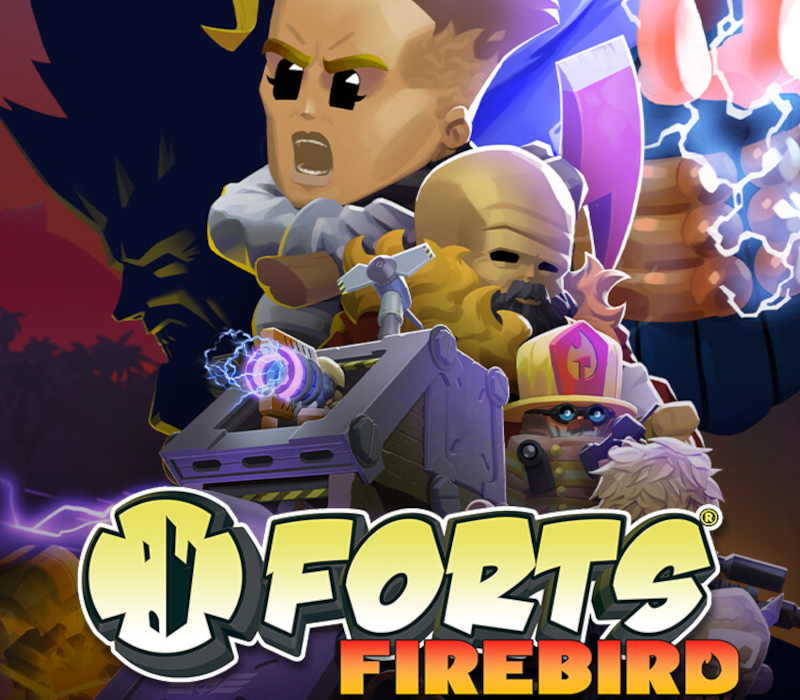
Activates on Steam. Region: Global. Downloadable content.