Activates on Steam. Region: Global.

Activates on Steam. Region: Europe.
Slug Disco Studios · 2017
Activates on Steam. Region: Europe.
In stock at its regular priceIn stock
Delivered to your account, usually within minutes after payment is confirmed.
Card payment on a hosted page with 3-D Secure.



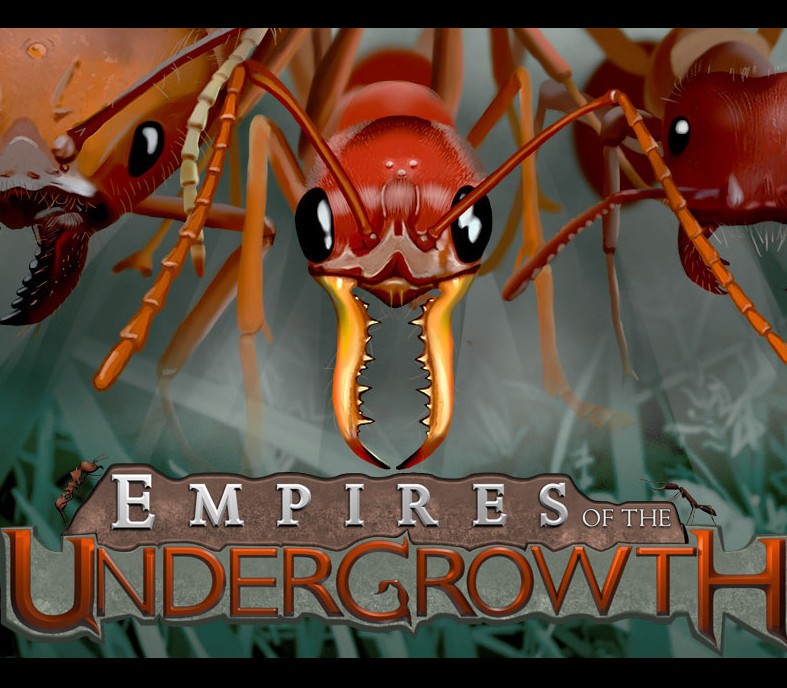
Empires of the Undergrowth is an ant colony management game, in a fast-paced real-time strategy style. The player excavates their nest underground, constructing tunnels and chambers to store food and raise brood. On the surface, the ants claim territory, gather resources, overwhelm fearsome arachnids and clash with other colonies. Nest design, army size, composition and attack timing are key to securing victory.Missions are narrated from the perspective of a documentary film maker studying the ants, who offers intelligent insight into the goings-on of the colony and the undergrowth beyond. The primary game mode in early access is Formicarium, where you take ownership of a home colony of unique DNA-harvesting ants as they work to assimilate the desirable traits of their foes. You can upgrade them by playing one-off missions, sometimes with your home colony and sometimes with other ant species. Features Carve out and construct your underground nest to suit your strategy Engage in fast-paced colony versus colony combat above ground Play as different ant species and explore their unique traits and weaknesses Encounter and overpower dangerous beetles, arachnids and other awesome arthropods Grow your pet formicarium over time by completing missions
You need a Steam account and the Steam app.
Go to: http://store.steampowered.com/ and download STEAM client Click "Install Steam" (from the upper right corner) Install and start application, login with your Account name and Password (create one if you don't have). Please follow these instructions to activate a new retail purchase on Steam: Launch Steam and log into your Steam account. Click the Games Menu. Choose Activate a Product on Steam... Follow the onscreen instructions to complete the process. After successful code verification go to the "MY GAMES" tab and start downloading.
More strategy on Steam, in board order.
Activates on Steam. Region: Global.
Activates on Steam. Region: Global.
Activates on Steam. Region: Global.
Activates on Steam. Region: Global.
Activates on Steam. Region: Global.