Activates on Steam. Region: Global. Downloadable content.


Activates on Steam. Region: Global. Downloadable content.
Crenetic GmbH Studios · Aerosoft GmbH · 2018
Activates on Steam. Region: Global. Downloadable content.
In stock at its regular priceIn stock
Delivered to your account, usually within minutes after payment is confirmed.
Card payment on a hosted page with 3-D Secure.



The add-on “KEF – The minor operations vehicle” is the first extension for Emergency Call 112 – The Fire Fighting Simulation. It adds the namesake minor operation vehicle (German: Kleineinsatzfahrzeug, KEF) to the player’s fleet.Minor operations vehicles are being used for tasks that require only a few people, which mostly means technical assistance where different tools and material are needed. Players can look forward to callouts like: emergency door openings, cleaning oil spills, and barriers, as well as the kind of operations the fire fighters are tasked with following heavy storms.The KEF included in this add-on is a highly detailed model of a VW T4 HD. As you’ve come to expect it from the vehicles in Emergency Call 112, the KEF includes many freely removable tools and equipment as well as a navigation unit. Using the KEF, the player can be called out to scenarios like water pumping, tree pruning and shuttering of doors or windows. If necessary, he also has to care for erecting barriers for self-protection. Features Highly detailed vehicle, minor operations vehicle (Kleineinsatzfahrzeug, KEF) Freely removable tools and equipment from the vehicle Technical assistance after heavy storms Technical assistance after fire fighting and police operations Different deployment scenarios like: Pump deployment after heavy rainfall Pump deployment after water pipe breakage Barriers during operations Tree pruning Removing of torn-off branches Emergency door openings Shuttering of doors and windows Night time operations Navigation unit in the vehicle
You need a Steam account and the Steam app.
Go to: http://store.steampowered.com/ and download STEAM client Click "Install Steam" (from the upper right corner) Install and start application, login with your Account name and Password (create one if you don't have). Please follow these instructions to activate a new retail purchase on Steam: Launch Steam and log into your Steam account. Click the Games Menu. Choose Activate a Product on Steam... Follow the onscreen instructions to complete the process. After successful code verification go to the "MY GAMES" tab and start downloading.
More simulation on Steam, in board order.
Activates on Steam. Region: Global. Downloadable content.
Activates on Steam. Region: Global. Downloadable content.
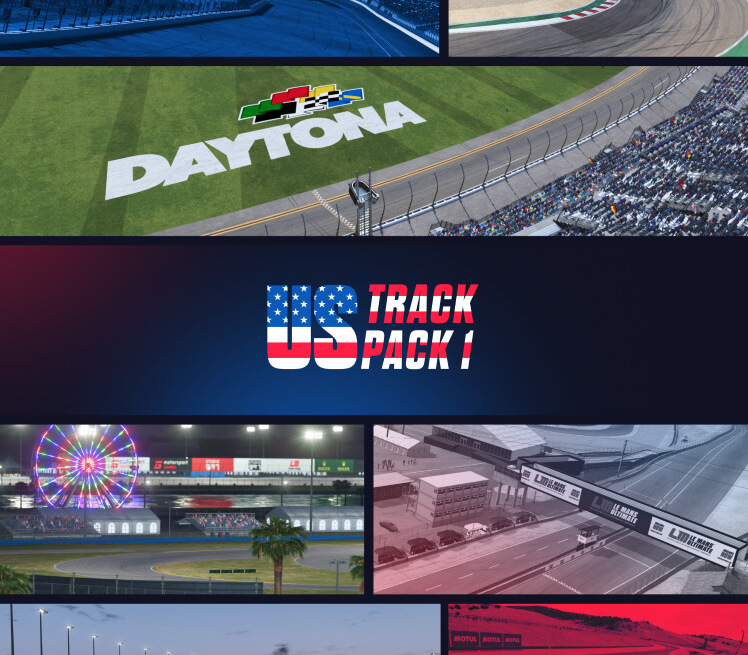
Activates on Steam. Region: Europe. Downloadable content.
Activates on Steam. Region: Global. Downloadable content.

Activates on Steam. Region: Global. Downloadable content.