Activates on Steam. Region: Europe.
Activates on Steam. Region: Global.
2017
Activates on Steam. Region: Global.
In stock at its regular priceIn stock
Delivered to your account, usually within minutes after payment is confirmed.
Card payment on a hosted page with 3-D Secure.



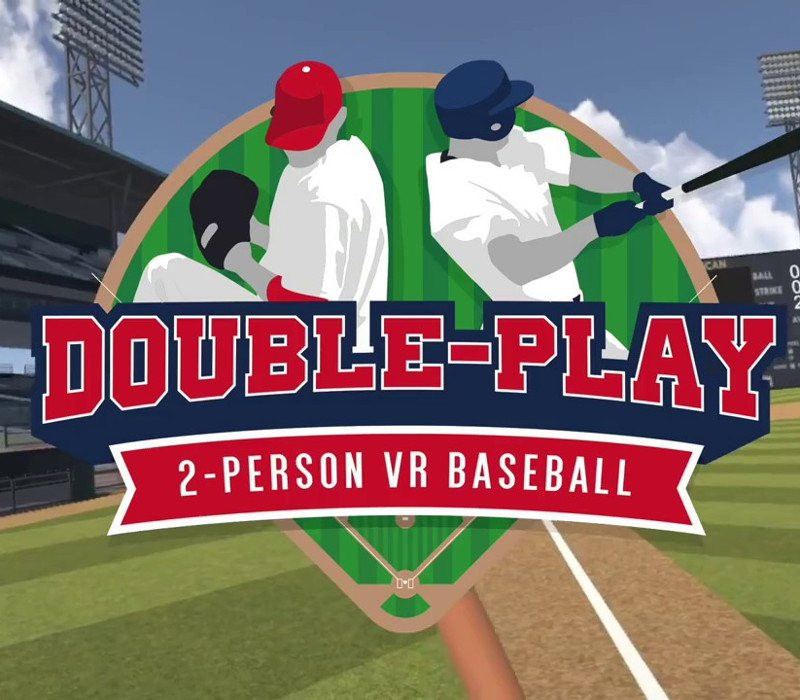
Double Play is a local two-player VR baseball game. One player pitches, one player hits, and AI fielders take care of the rest. Play through a complete game, taking turns hitting and pitching. The standard rules of baseball are at play: balls, strikes, fouls, home runs and more. Multiple skill level presets allow people of different ages and skills to play together.As the batter, you're fully immersed within the headset. Take your at-bats as the other player pitches. Well tuned physics makes hitting both realistic and controllable, but also approachable. Swing for the fences!As the pitcher, you watch the batter on the monitor and throw toward it as if it's home plate. Using one of the touch controllers, you control where the ball goes and how it gets there. Throw fastballs, curveballs, sinkers and more. Pitch inside the strike zone or out of it. Do whatever you can to make the batter miss! Features Two-player, local play Complete, standard baseball rules Well tuned hitting and fielding physics Fun, variable, and easy to control pitching AI fielders Multiple skill levels Post-game stats
You need a Steam account and the Steam app.
Go to: http://store.steampowered.com/ and download STEAM client Click "Install Steam" (from the upper right corner) Install and start application, login with your Account name and Password (create one if you don't have). Please follow these instructions to activate a new retail purchase on Steam: Launch Steam and log into your Steam account. Click the Games Menu. Choose Activate a Product on Steam... Follow the onscreen instructions to complete the process. After successful code verification go to the "MY GAMES" tab and start downloading.
More sports on Steam, in board order.
Activates on Steam. Region: Europe.
Activates on Steam. Region: Global.
Activates on Steam. Region: Global.

Activates on Steam. Region: Global.

Activates on Steam. Region: Global.