Activates on Steam. Region: Global.
Activates on Steam. Region: Global.
Midnight Party · PQube · 2016
Activates on Steam. Region: Global.
In stock at its regular priceIn stock
Delivered to your account, usually within minutes after payment is confirmed.
Card payment on a hosted page with 3-D Secure.



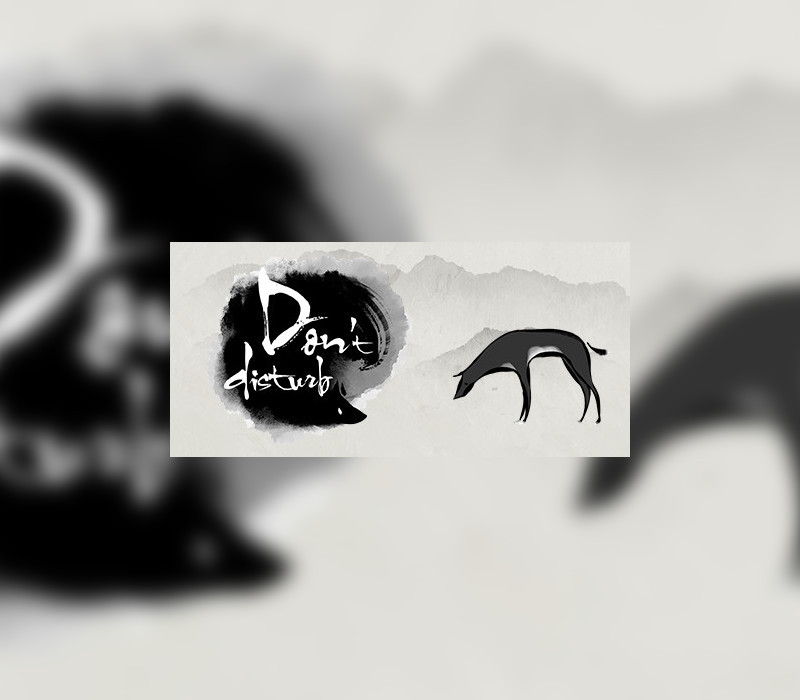
In Asian folklore it is said that when there's a funeral you don't sing, don't play, and most importantly “Don't Disturb”! In the traditionally timid and reserved cultures of Asia how do people approach and accept the idea of “death”? What is the "afterlife"? “Don't Disturb” is a single-player puzzle adventure game with a beautiful and unique 2D style. The carefully crafted story explores the traditional Asian views on the afterlife and the underworld. You must explore this mysterious world as a dog, looking for its owner who has passed away. The dog will need to solve many puzzles and make it through unexpected encounters as it makes its way to the “Bridge of Helplessness” in search of its owner. On the way you will need to make decisions that will determine how the tale ends. “Don't Disturb” is an unforgettable and gorgeous story that players will both relate to and be surprised by. Just remember…“Don't Disturb”! Features Explore the beautiful yet mysterious underworld Investigate otherworldly items to solve puzzles Converse with the underworld's denizens to complete tasks and learn tales
You need a Steam account and the Steam app.
Go to: http://store.steampowered.com/ and download STEAM client Click "Install Steam" (from the upper right corner) Install and start application, login with your Account name and Password (create one if you don't have). Please follow these instructions to activate a new retail purchase on Steam: Launch Steam and log into your Steam account. Click the Games Menu. Choose Activate a Product on Steam... Follow the onscreen instructions to complete the process. After successful code verification go to the "MY GAMES" tab and start downloading.
More puzzle on Steam, in board order.
Activates on Steam. Region: Global.
Activates on Steam. Region: Europe.
Activates on Steam. Region: Global.
Activates on Steam. Region: Europe.
Activates on Steam. Region: Global.