Activates on Steam. Region: Global. Software licence.
Activates on Steam. Region: Global. Software licence.
VR Storm Lab
Activates on Steam. Region: Global. Software licence.
In stock at its regular priceIn stock
Delivered to your account, usually within minutes after payment is confirmed.
Card payment on a hosted page with 3-D Secure.



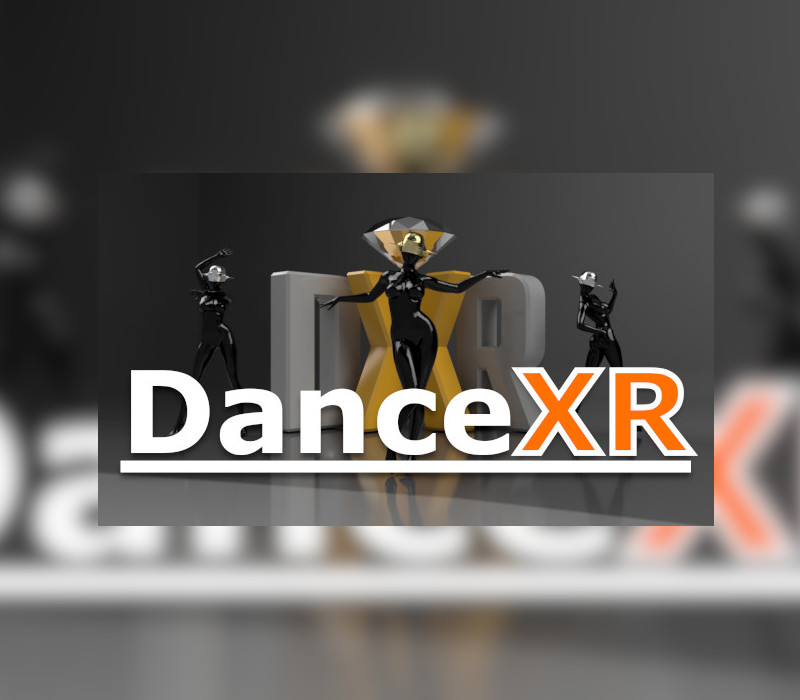
DanceXR is a character model viewer and motion player. It supports PMX(MMD) & XNALara/XPS models and VMD motion format. Unlike other MMD players DanceXR allows almost any motion to play on any model without any manual tweaking or bone adjustments. It doesn't matter whether the model has IK bones or is it in T pose or A pose, the model & motion are adapted automatically on the fly by our unique motion system to ensure the maximum compatibility. There are also tons of built-in features to enrich your experience with your favourite characters models. DanceXR is previously known as Dance Viewer VR (DVVR). Please note that we do not provide any content that we don't own within the application. By downloading this app you agree that you take full responsibility for the content you use with it and all legal & copyright requirements are satisfied. The developer of DanceXR will not be responsibility for user generated content. Features The characters breath, blink eyes naturally and can even make eye contact with you. Multiple procedural (programmatically generated) motions for you to use on your models. Including catwalk, dances and a few other motions. "Outfit" feature to modify the look of your model, this can create effects like stocking, latex, fishnet and so on. "Motion Override" to modify motion on the fly to change arm and leg pose and incorporate accessories like hoverbike into the motion flawlessly. Just to name a few. More features are being developed added in each monthly update.
You need a Steam account and the Steam app.
Go to: http://store.steampowered.com/ and download STEAM client Click "Install Steam" (from the upper right corner) Install and start application, login with your Account name and Password (create one if you don't have). Please follow these instructions to activate a new retail purchase on Steam: Launch Steam and log into your Steam account. Click the Games Menu. Choose Activate a Product on Steam... Follow the onscreen instructions to complete the process. After successful code verification go to the "LIBRARY" tab and start downloading.
More on Steam, in board order.
Activates on Steam. Region: Global. Software licence.
Activates on Steam. Region: Global. Software licence.
Activates on Steam. Region: Global. Software licence.

Activates on Steam. Region: Global. Software licence.
Activates on Steam. Region: Global. Software licence.