Activates on Steam. Region: Europe.

Activates on Steam. Region: Global.
Sundae Month · Excalibur Games · 2017
Activates on Steam. Region: Global.
In stock at its regular priceIn stock
Delivered to your account, usually within minutes after payment is confirmed.
Card payment on a hosted page with 3-D Secure.



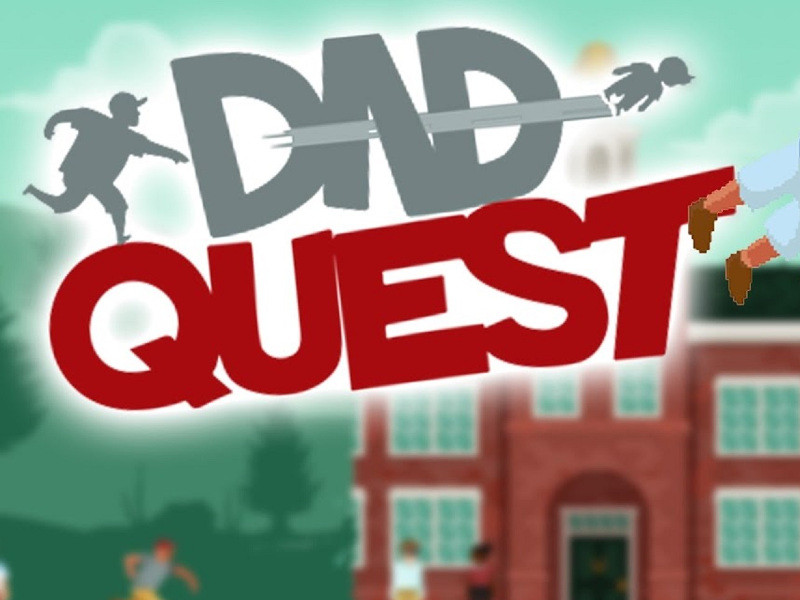
A Child longs to soar through the sky with the grace of an eagle! But alone they lack the technique to truly fly. Only you (The Dad) posses the throwing arm required to help nurture a Child to become the weapon it was always meant to be. Dad Quest combines the 2D action platformer genre with some familiar mechanics found inside RPG games to create an interesting world to explore filled with comedy and a dash of charm. Our Dad’s may not look like much, but they can sure pack a delicious lunch! In Dad Quest, ‘Dad’ is a title taken by those who love their children. They can come in many shapes, sizes and even genders. Dad’s can also learn new abilities over time which will make them more effective in combat and allow them to explore previously unreachable areas. As you know, the Child is an indestructible force of nature and is able to destroy any object within seconds. Alone, the child can become a wayward son (or daughter), but with the unbreakable bond of love from their Dad, they can truly grow and become the weapon they were meant to be.As you and your Child continue to defeat enemies, the Child will level up, with each level they will either change their physical looks, earn new abilities, or learn new behaviors. Children love toys! In Dad Quest, toys are not just play things. Instead they alter the stats and abilities of the Child to make them stronger or give them awesome new skills. A Child can hold up to two toys at one time, so mix and match in order to find the right toy set up that suits you.
You need a Steam account and the Steam app.
Go to: http://store.steampowered.com/ and download STEAM client Click "Install Steam" (from the upper right corner) Install and start application, login with your Account name and Password (create one if you don't have). Please follow these instructions to activate a new retail purchase on Steam: Launch Steam and log into your Steam account. Click the Games Menu. Choose Activate a Product on Steam... Follow the onscreen instructions to complete the process. After successful code verification go to the "MY GAMES" tab and start downloading.
More action on Steam, in board order.
Activates on Steam. Region: Europe.
Activates on Steam. Region: Global.

Activates on Steam. Region: Global.

Activates on Steam. Region: Global.

Activates on Steam. Region: Global.
