Activates on Steam. Region: Europe.

Activates on Steam. Region: Global.
Payoff Games · Rogue Duck Interactive · 2026
Activates on Steam. Region: Global.
In stock at its regular priceIn stock
Delivered to your account, usually within minutes after payment is confirmed.
Card payment on a hosted page with 3-D Secure.



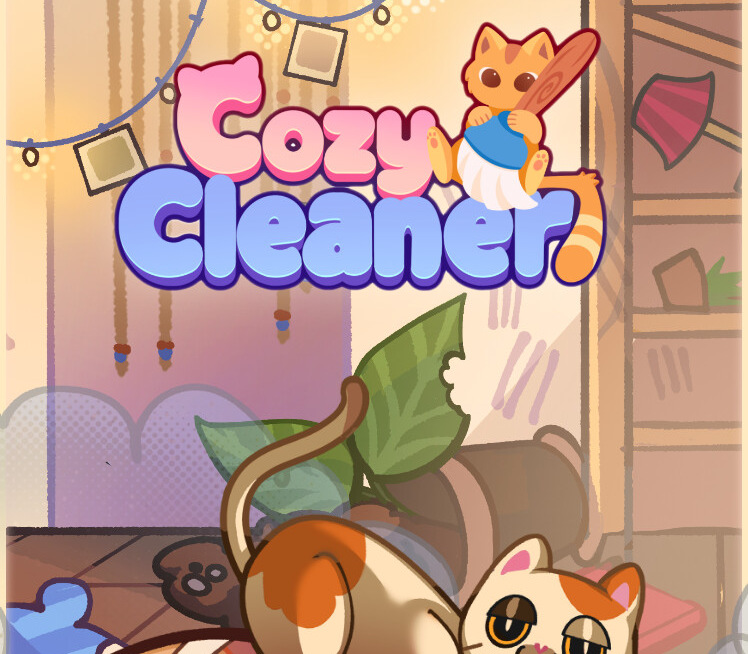
In Cozy Cleaner, you bring messy rooms back to order step by step. Each level takes you to a different room where you look around, collect scattered items, and place them where they belong. Open boxes to find new objects, sweep up crumbs, wipe spills, polish windows, water the plants, and finish with a refreshing room spray. With every action, the space feels lighter, and so do you. There are no timers, scores, or pressure, just a cozy journey where order slowly comes to life. To move on to the next level, you must completely clean and organize the room. In Cozy Cleaner, different tools help you make each room spotless. Use your hand tool to collect trash and organize scattered books, bottles, and vases. Mop up spills, use the dustpan to clear away crumbs, dust, and cobwebs. Polish windows and walls with a cloth, water the plants with a watering can, and finish by spraying a cozy scent into the air. At the start of each level, a truck delivers new items you can unpack and arrange to complete the space. Once you’ve used all your tools and cleaned the room entirely, the door to the next level opens. We hope you liked it! Free demo for Cozy Cleaner is out now, give it a try and give us your feedback. Don't forget to wishlist it on Steam! (Button under the trailer) 🧡
You need a Steam account and the Steam app.
More adventure on Steam, in board order.
Activates on Steam. Region: Europe.
Activates on Steam. Region: Global.

Activates on Steam. Region: Global.

Activates on Steam. Region: Global.

Activates on Steam. Region: Global.