Activates on Steam. Region: Global.

Activates on Steam. Region: Global.
Digital Melody · Games Incubator · 2025
Activates on Steam. Region: Global.
In stock at its regular priceIn stock
Delivered to your account, usually within minutes after payment is confirmed.
Card payment on a hosted page with 3-D Secure.



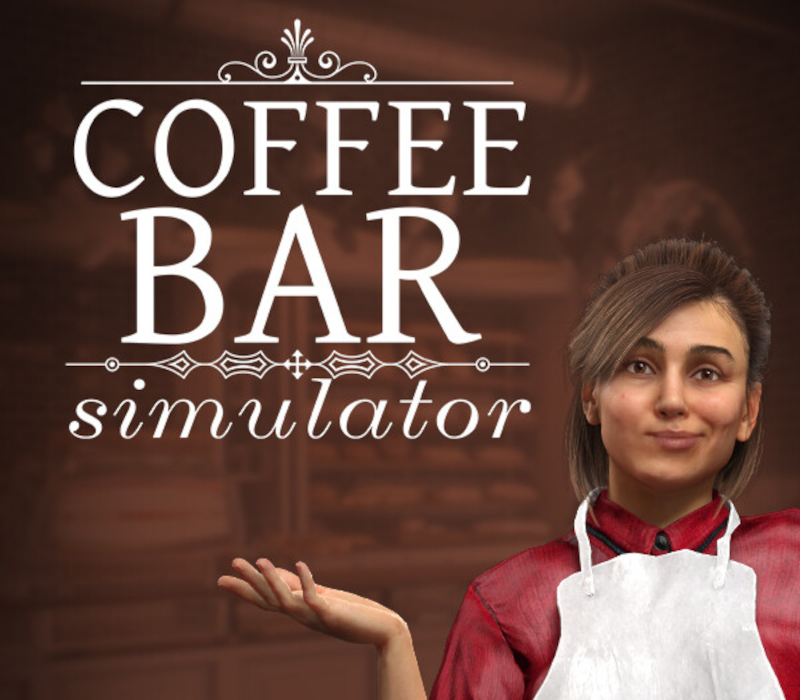
From a small café to a place with a unique atmosphere Start your adventure with a modest space and expand it into an elegant café where everyone will want to stop in for a cup of aromatic coffee and a fresh dessert. Create an atmosphere that will make your place unique Serve the best products Break the perfect coffee and fresh juices. Diversify your offerings with cakes, croissants, muffins, and ice cream sundaes. Ensure quality and freshness so even the most discerning customers are delighted. Expand and decorate your café Add new tables, chairs, cabinets, and refrigerators to make your place increasingly functional and attractive. Create a cozy interior by decorating it with paintings and plants. Your café will attract guests not only with its flavor but also with its atmosphere. Management and Success Serve customers efficiently and professionally. Fulfill orders, accept cash or card payments, maintain inventory, and improve your offerings daily. Over time, you can become a true coffee shop tycoon, winning the hearts of customers and reaping ever-increasing profits.
You need a Steam account and the Steam app.
Go to: http://store.steampowered.com/ and download STEAM client Click "Install Steam" (from the upper right corner) Install and start application, login with your Account name and Password (create one if you don't have). Please follow these instructions to activate a new retail purchase on Steam: Launch Steam and log into your Steam account. Click the Games Menu. Choose Activate a Product on Steam... Follow the onscreen instructions to complete the process. After successful code verification go to the "LIBRARY" tab and start downloading.
More simulation on Steam, in board order.
Activates on Steam. Region: Global.
Activates on Steam. Region: Global.

Activates on Steam. Region: Global.

Activates on Steam. Region: Global.

Activates on Steam. Region: Global.
