Activates on Steam. Region: Global.

Activates on Steam. Region: Global.
Aerosoft GmbH · 2019
Activates on Steam. Region: Global.
In stock at its regular priceIn stock
Delivered to your account, usually within minutes after payment is confirmed.
Card payment on a hosted page with 3-D Secure.



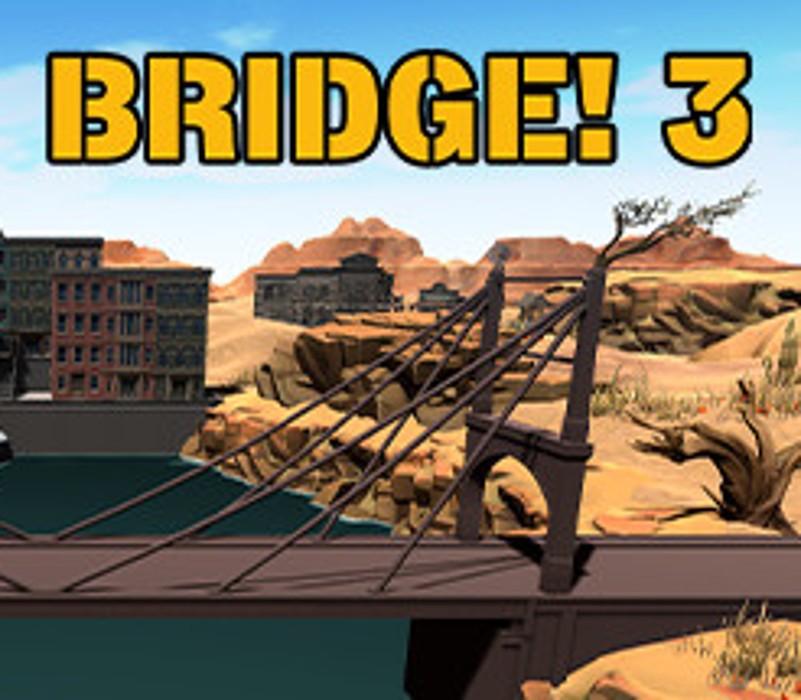
Let your creativity run as a bridge builder and take the challenge to prove yourself as a true master of bridge building! As a structural engineer and designer, you have the responsibility for a perfect static load capacity of the bridge. In Bridge! 3 you have the opportunity to build your bridges and their carrying capacity to the utmost!You want to create your own level? No problem, because you can design the most complicated bridges the world has ever seen. Use all the new and exciting features that we have made available for you.Romp yourself and create your own levels and missions that you share with the community. You can use up to 20 different original components. You have endless possibilities!With more than 30 varied missions and additional content from the community, you as the master builder are faced with numerous challenges. In Bridge! 3 you can install new special components such as boosters, checkpoints or trampolines. Not only can you create completely new bridges, but you can also master platforms independently and on various systems.The further your adventure as a bridge builder progresses, the more scenarios you unlock. In the exciting developer mode, you can also build in your own missions.
You need a Steam account and the Steam app.
Go to: http://store.steampowered.com/ and download STEAM client Click "Install Steam" (from the upper right corner) Install and start application, login with your Account name and Password (create one if you don't have). Please follow these instructions to activate a new retail purchase on Steam: Launch Steam and log into your Steam account. Click the Games Menu. Choose Activate a Product on Steam... Follow the onscreen instructions to complete the process. After successful code verification go to the "MY GAMES" tab and start downloading.
More simulation on Steam, in board order.
Activates on Steam. Region: Global.
Activates on Steam. Region: Global.

Activates on Steam. Region: Global.

Activates on Steam. Region: Global.

Activates on Steam. Region: Global.
