Activates on Steam. Region: Global.

Activates on Steam. Region: Global.
Lee · 2025
Activates on Steam. Region: Global.
In stock at its regular priceIn stock
Delivered to your account, usually within minutes after payment is confirmed.
Card payment on a hosted page with 3-D Secure.



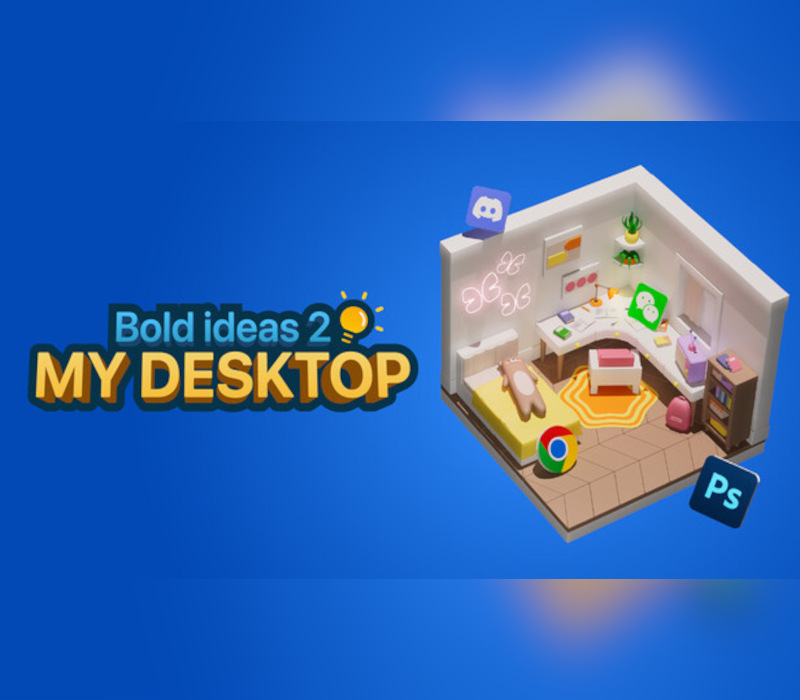
The URL for the detailed tutorial and update log is embedded in "Bold Ideas 2 My Desktop." Click OK on the startup screen to open the URL. There's also a button in the game settings to open the URL and turn off the startup screen. First of all, thank you all for your suggestions and feedback. However, as a single developer, I couldn't even address 5% of the suggestions in such a short time. So, I had to prioritize the important parts and tackle them one by one! Finally, in three weeks, I completed the workshop, added over 20 features, and added over 20 maps. Of course, I knew it wasn't enough. By the time of release, I'd barely finished the features, with many details still to be optimized. The UI was simply cobbled together for functionality, and I didn't leave enough time for testing and bug fixing. Thank you again for your support and tolerance. Three days after release, I urgently fixed and improved over 30 bugs and improvements. It's now usable, and I will continue to update and maintain it! "Bold Ideas 2 My Desktop" is a desktop beautification and file management software. Drag various desktop files into your favorite 3D map and generate corresponding 3D icons. You can watch the 3D icons wander around the map or even just sleep. When needed, double-click the 3D icon to open the corresponding file. The core purpose is to bring fun to boring work. Many people have a cluttered mess of computer files. My Desktop embeds itself into the computer desktop, transforming it into a small, interactive space. Files and folders placed on the desktop become eye-catching 3D icons, enhancing your desktop.
You need a Steam account and the Steam app.
Go to: http://store.steampowered.com/ and download STEAM client Click "Install Steam" (from the upper right corner) Install and start application, login with your Account name and Password (create one if you don't have). Please follow these instructions to activate a new retail purchase on Steam: Launch Steam and log into your Steam account. Click the Games Menu. Choose Activate a Product on Steam... Follow the onscreen instructions to complete the process. After successful code verification go to the "LIBRARY" tab and start downloading.
More indie on Steam, in board order.
Activates on Steam. Region: Global.
Activates on Steam. Region: Global.

Activates on Steam. Region: Global.

Activates on Steam. Region: Global.

Activates on Steam. Region: Global.
