Activates on Steam. Region: Europe.

Activates on Steam. Region: Global.
Immersive Division · 2024
Activates on Steam. Region: Global.
In stock at its regular priceIn stock
Delivered to your account, usually within minutes after payment is confirmed.
Card payment on a hosted page with 3-D Secure.



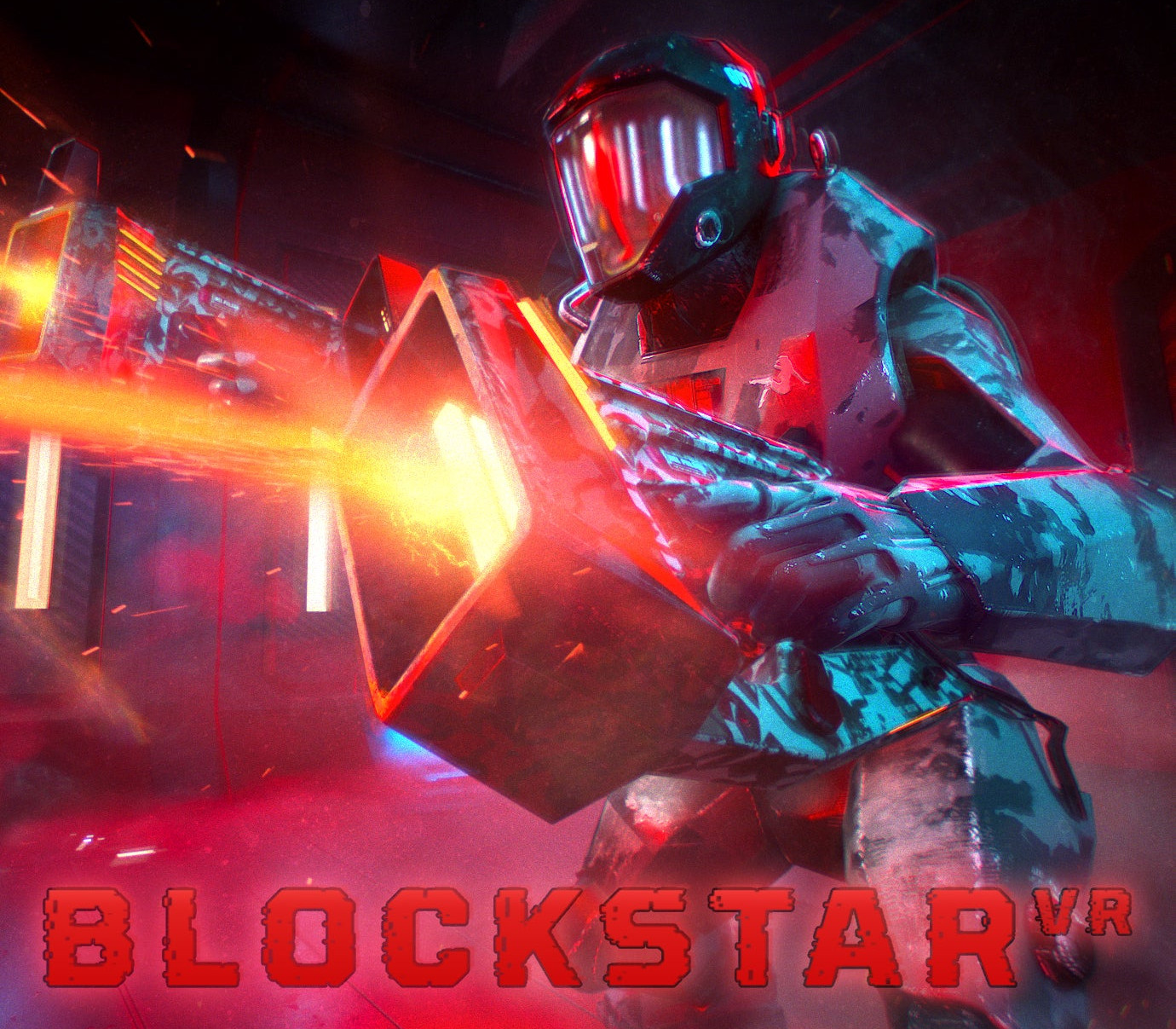
BlockStar VR is a VR shooter where you put your reflexes to the test by shooting blocks and completing challenges in an action-packed futuristic tournament. Play the 40-mission story mode and show that you have what it takes to flex on the leaderboard!Experience what it’s like to be a rising star in a harsh futuristic world aboard the BlockStar space station. Use your unique weapons, crazy power-ups and imaginative bonuses against changing patterns and indestructible obstacles. Shoot them all!Unlock a varied arsenal as you progress, from shotguns to ray guns, from shields to bazookas, from grenades to tennis balls. Shoot too much and your weapon might overheat, shoot too little and the cubes will get you! Can you stop them or do they stop you? Features: Shooting VR game with unique weapons Crazy power-ups and imaginative bonuses 40 missions in different arenas Optional challenges and various play modes including Survival and Puzzle Storyline presented by in-game commentators and 360° cutscenes Robo assistant 087 helping you to progress in the tournament (mostly) Occasional WTF moments
You need a Steam account and the Steam app.
Go to: http://store.steampowered.com/ and download STEAM client Click "Install Steam" (from the upper right corner) Install and start application, login with your Account name and Password (create one if you don't have). Please follow these instructions to activate a new retail purchase on Steam: Launch Steam and log into your Steam account. Click the Games Menu. Choose Activate a Product on Steam... Follow the onscreen instructions to complete the process. After successful code verification go to the "LIBRARY" tab and start downloading.
More action on Steam, in board order.
Activates on Steam. Region: Europe.
Activates on Steam. Region: Global.

Activates on Steam. Region: Global.

Activates on Steam. Region: Global.

Activates on Steam. Region: Global.
