Activates on Steam. Region: Europe.

Activates on Steam. Region: Global.
2020
Activates on Steam. Region: Global.
In stock at its regular priceIn stock
Delivered to your account, usually within minutes after payment is confirmed.
Card payment on a hosted page with 3-D Secure.



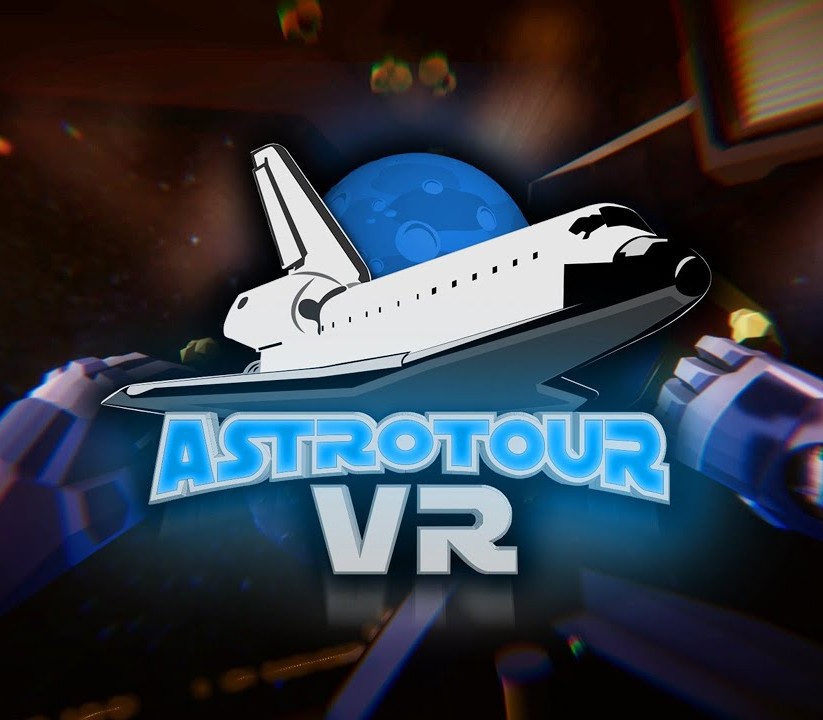
Astrotour VR is an exploration, adventure game for Virtual Reality (HTC Vive, Oculus Touch & Quest). Experience full process to space, from astronaut registration to spaceship ride. Explore known but also unknown planets and receive as much information as possible! Features Take the whole process from astronaut registration, through rocket preparation, rocket launch, to the planet observation! Explore bunch of interactive features in each room and level! Take control of the flying rocket and defend your resources! Use special & additional features like 3D printer or 3D pen! Simple, one-button & user-friendly controls Various levels from astronaut’s point of view Collection of planets and their characteristics Actions with aliens Rich voice over & full narration Multi-language support Education and entertainment Ready for kids!
You need a Steam account and the Steam app.
Go to: http://store.steampowered.com/ and download STEAM client Click "Install Steam" (from the upper right corner) Install and start application, login with your Account name and Password (create one if you don't have). Please follow these instructions to activate a new retail purchase on Steam: Launch Steam and log into your Steam account. Click the Games Menu. Choose Activate a Product on Steam... Follow the onscreen instructions to complete the process. After successful code verification go to the "MY GAMES" tab and start downloading.
More adventure on Steam, in board order.
Activates on Steam. Region: Europe.
Activates on Steam. Region: Global.

Activates on Steam. Region: Global.

Activates on Steam. Region: Global.

Activates on Steam. Region: Global.