Activates on Steam. Region: Global.


Activates on Steam. Region: Global.
Moonlight Mouse · 2015
Activates on Steam. Region: Global.
In stock at its regular priceIn stock
Delivered to your account, usually within minutes after payment is confirmed.
Card payment on a hosted page with 3-D Secure.



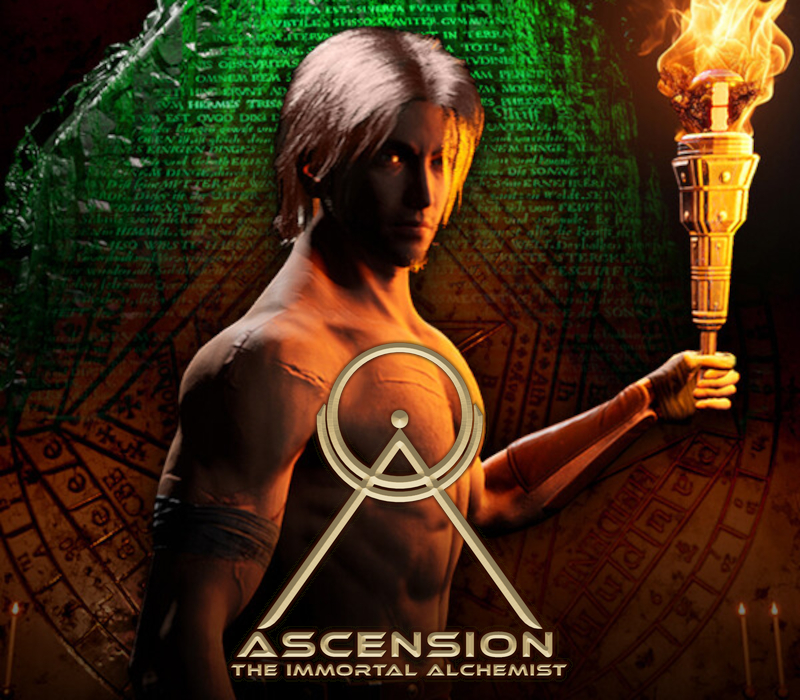
The stronghold of an ancient civilization has been invaded by hordes of alien raiders. Use powerful technologies of the Ancient and repel the attack of the enemy's armies! Features Classic Tower Defense (TD) for those who are fond of good old games; Building towers in any free area on the field; 40 unique levels; Plenty of diverse enemies with their own features; The game offers upgrading towers, as well as everything else. New improvements allow selecting exceptional strategies for each level. Even the base can be upgraded! Improvements can be reset and distributed at will, it is free and you get all your emeralds back; The storyline is based on recollections of the veterans of intergalactic wars;
You need a Steam account and the Steam app.
Go to: http://store.steampowered.com/ and download STEAM client Click "Install Steam" (from the upper right corner) Install and start application, login with your Account name and Password (create one if you don't have). Please follow these instructions to activate a new retail purchase on Steam: Launch Steam and log into your Steam account. Click the Games Menu. Choose Activate a Product on Steam... Follow the onscreen instructions to complete the process. After successful code verification go to the "LIBRARY" tab and start downloading.
More strategy on Steam, in board order.
Activates on Steam. Region: Global.
Activates on Steam. Region: Global.

Activates on Steam. Region: Global.

Activates on Steam. Region: Global.

Activates on Steam. Region: Global.