Activates on Steam. Region: Europe.

Activates on Steam. Region: Global.
Innerspace VR · Vertigo Games · 2019
Activates on Steam. Region: Global.
In stock at its regular priceIn stock
Delivered to your account, usually within minutes after payment is confirmed.
Card payment on a hosted page with 3-D Secure.



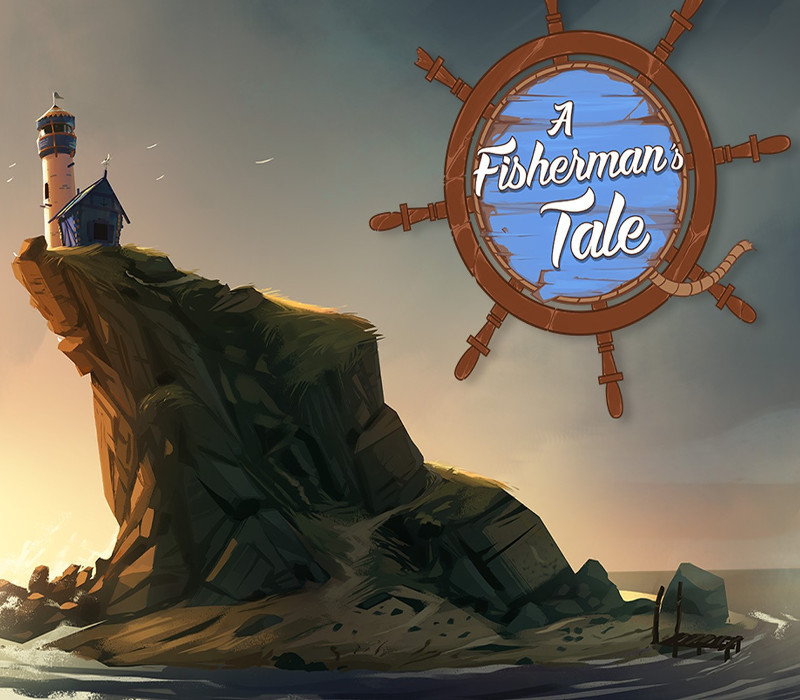
Bend and twist reality in A Fisherman's Tale, the mind-bending VR puzzle adventure game in which being turned upside down and inside out is not merely a play on words. Playing as Bob, a tiny fisherman puppet, you live alone in your tiny cabin, oblivious to the world outside. When your radio broadcasts a storm alert, you have to get to the top of the lighthouse and turn on the light! But as you try to leave your cabin with the help of some uncanny sidekicks, you realize what's waiting outside is not at all what you expected... Features Break more than a couple laws of physics in mind-bending VR puzzles! Make it to the top of the lighthouse before The Big Storm, with the help of some uncanny sidekicks! Use your hands to pick up, throw, combine, and use all kinds of things in glorious fully immersive virtual reality! Toy around with your tiny little model lighthouse, inside a lighthouse, inside a... is that another lighthouse? Uncover the truth at the core of an unusually tall Fisherman's Tale, exclusively in VR.
You need a Steam account and the Steam app.
Go to: http://store.steampowered.com/ and download STEAM client Click "Install Steam" (from the upper right corner) Install and start application, login with your Account name and Password (create one if you don't have). Please follow these instructions to activate a new retail purchase on Steam: Launch Steam and log into your Steam account. Click the Games Menu. Choose Activate a Product on Steam... Follow the onscreen instructions to complete the process. After successful code verification go to the "MY GAMES" tab and start downloading.
More adventure on Steam, in board order.
Activates on Steam. Region: Europe.
Activates on Steam. Region: Global.
Activates on Steam. Region: Global.

Activates on Steam. Region: Global.
Activates on Steam. Region: Global.