Activates on EA app. Region: Global. Downloadable content.

Activates on EA app. Region: Global. Downloadable content.
The Sims Studio · Electronic Arts · 2017
Activates on EA app. Region: Global. Downloadable content.
In stock at its regular priceIn stock
Delivered to your account, usually within minutes after payment is confirmed.
Card payment on a hosted page with 3-D Secure.



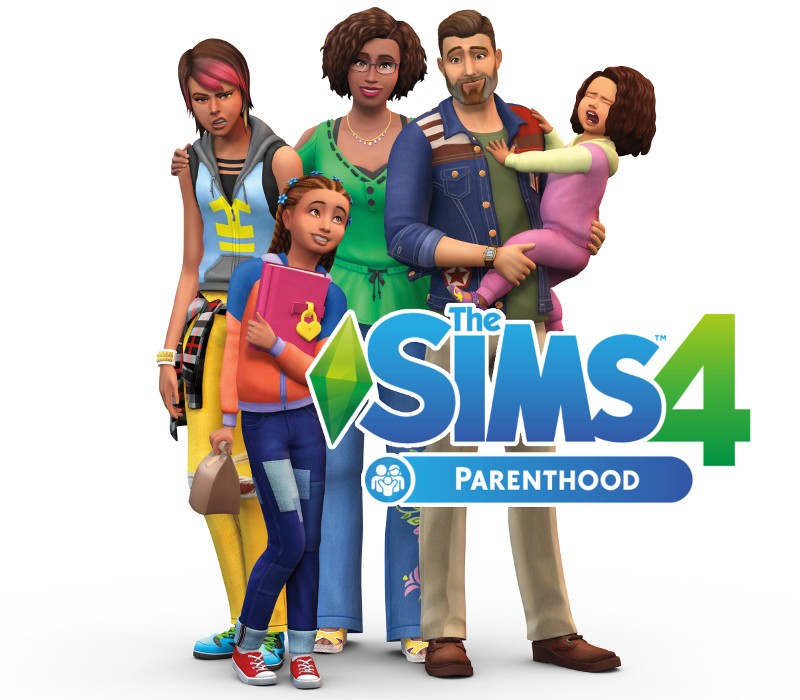
Develop your Sim’s parenting skills to help shape their children’s lives into adulthood with The Sims™ 4 Parenthood. Choose when to discipline or encourage child behaviors, teach life values, and leave a lasting impact on their future. Experience fun family activities and personalize your household with new home décor and family fashion. Features Develop parenting skills. Level up your Sim’s parenting skills to satisfy their child’s needs and influence their behaviors. Gain new abilities through experience and choosing when to discipline bad actions, encourage good behavior, or just let kids be kids. Shape your Sim's childhood. The decisions you make influence how your Sim parents and leave a lasting impact on their child’s future. Each choice shapes their personality, affects their traits, influences their family relationships, and guides their path into adulthood. Enjoy new family activities. Gather your Sim’s family to participate in new activities and spend quality time with each other. Sims of all ages can work together to complete a variety of school projects, express their creativity using construction blocks, or volunteer their time for good. Personalize your household. Customize your Sims’ looks and their home with new family fashion and build items. Give the kids’ bedrooms extra personality, remodel the kitchen to feel homier, and let your Sims express their sporty or artistic sides with new outfits.
You need an EA account and the EA app.
Go to: http://www.origin.com/us/about Click "Download Origin" (from the upper left corner) Login into downloaded application Install and start application, login with your Account name and Password (create one here: http://store.origin.com/ if you don't have). Redeem Product Code From the "Origin" drop-down menu (upper right corner) choose "Redeem Product Code...", enter your code and click "Next". Download your Game After successful code verification go to the "MY GAMES" tab and start downloading.
More simulation on EA app, in board order.
Activates on EA app. Region: Global. Downloadable content.
Activates on EA app. Region: Global. Downloadable content.

Activates on EA app. Region: Global. Downloadable content.

Activates on EA app. Region: Global. Downloadable content.

Activates on EA app. Region: Europe. Downloadable content.